
Saas.js
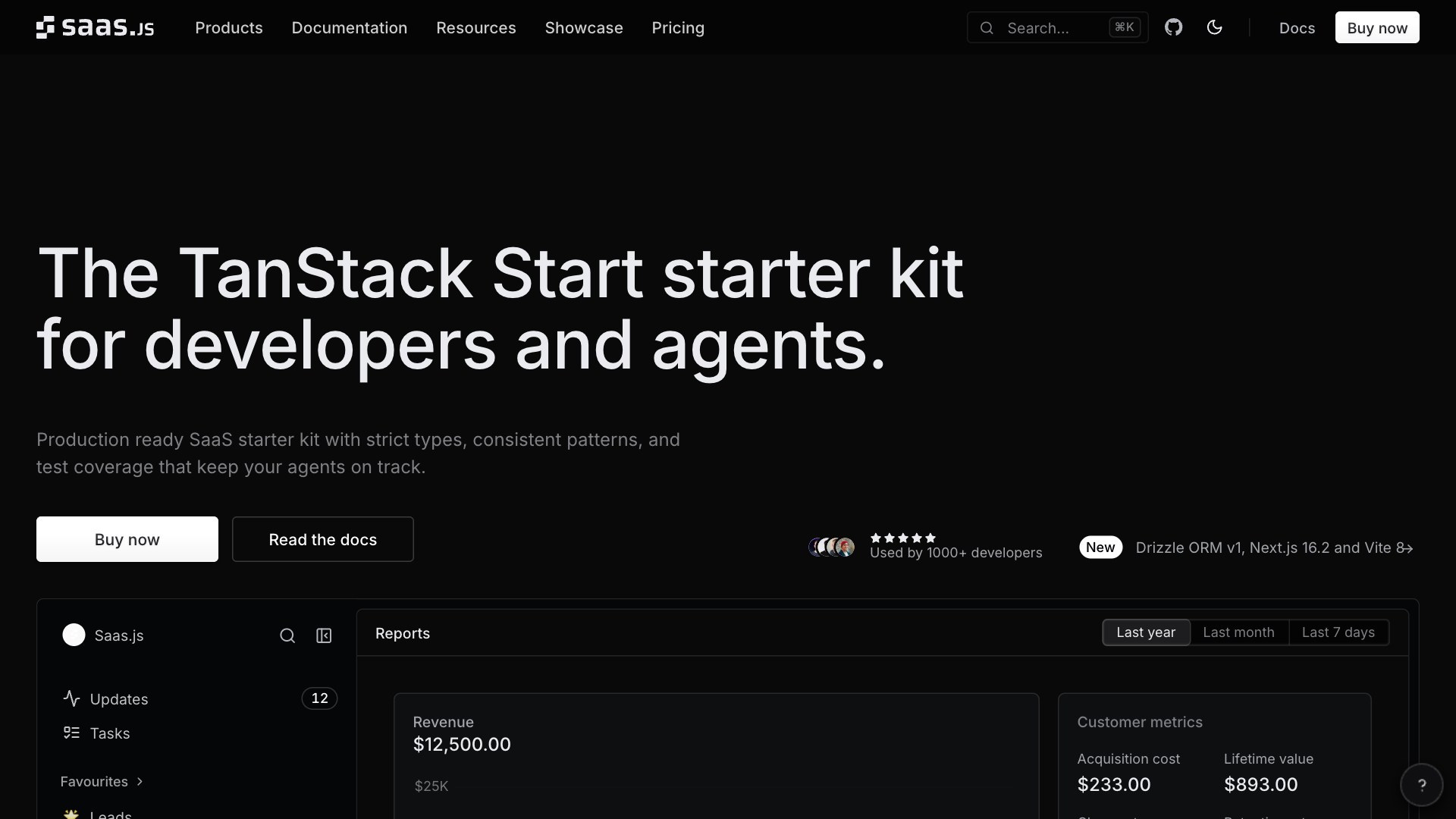
Saas.js (formerly Saas UI): TanStack Start and Next.js starter kit for B2B SaaS with Better Auth, workspaces, Stripe billing, Drizzle, tRPC and tests.
At a glance: Saas.js is built with NextJS, Better Auth, React, TypeScript, Chakra and costs $245 to $949, above the catalog median of $149. It includes 2FA, API, Auth, Billing, CI/CD and 10 more features. Listing updated 2026-11-05.
About
Saas.js, formerly Saas UI, is a production-ready starter kit for B2B SaaS on TanStack Start, with a Next.js kit as well. It ships Better Auth with social login, magic links, 2FA, passkeys and SSO, workspaces with roles and invites, and Stripe billing that syncs your setup and handles tiered, metered and usage-based pricing. Data lives in PostgreSQL through Drizzle, the API is end-to-end typed with tRPC, the UI uses a Chakra UI theme with ready components, and transactional emails go through Resend or your own SMTP. Playwright, Vitest and GitHub Actions come set up, with strict types and consistent patterns that keep AI coding agents on track.
Expert Review
Saas.js Review: Is It Worth It?
We break down the tech stack, features, pricing, and ideal use cases so you can decide in minutes whether this is the right starter kit for your project.
Read full review →Stacks and comparisons featuring this boilerplate
Stack recipes
Vendor comparisons
Agent readiness
Checked against public vendor docs on 2026-08-17
- ✓ AGENTS.md included
- ✓ CLAUDE.md included
- ✗ Cursor rules included
- ✗ Ships Claude skills
- ✗ Ships subagents
- ✓ MCP integrations: playwright (@playwright/mcp)
- ✓ Tests an agent can run
- ✓ TypeScript
"Not documented" means the vendor's public documentation does not mention it, not that the boilerplate lacks it. Vendor docs

Pricing
$245 - $949
Tech Stack
 NextJS
 React
 TypeScript
 Chakra
 Figma
 PostgreSQL
 Drizzle
 TanStack
 Playwright
 Resend
 Stripe
 2FA
 API
 Auth
 Billing
 CI/CD
 Components
 Dashboard
 Database
 Documentation
 Email
 Multi-tenancy
 Onboarding
 Payments
 Themes
 User Management
Compare Saas.js

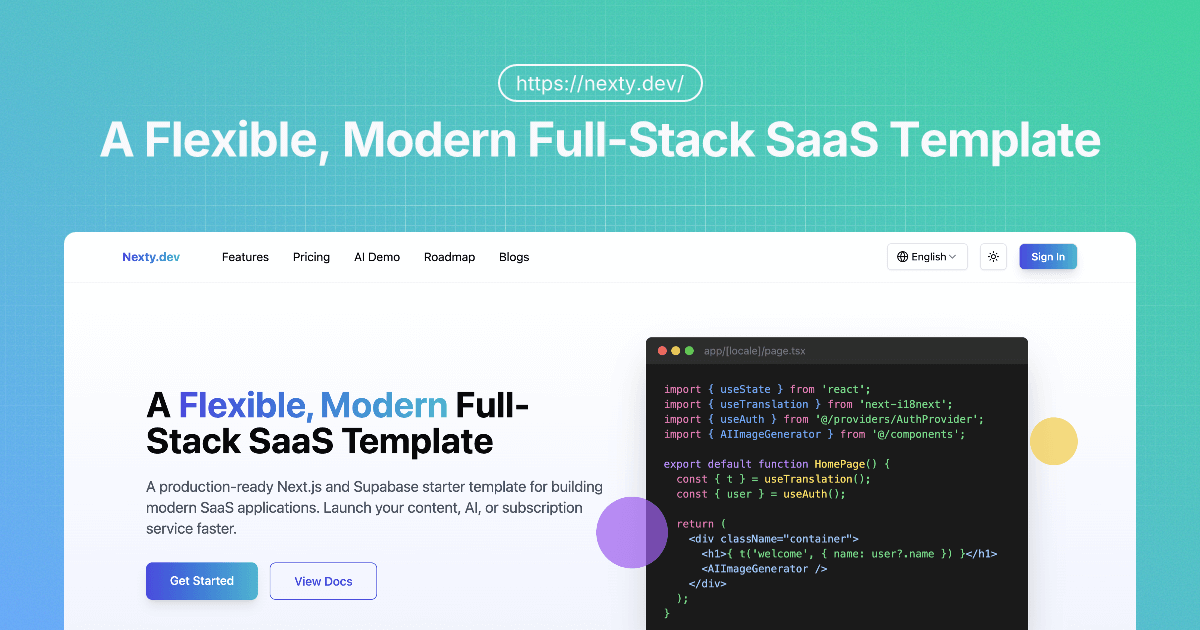
Compare Saas.js vs
Saas.js alternatives
All alternatives →
ShipFast
 Supabase
 NextAuth
 Lemon Squeezy


 Astro
 SvelteKit
 Firebase
 Neon


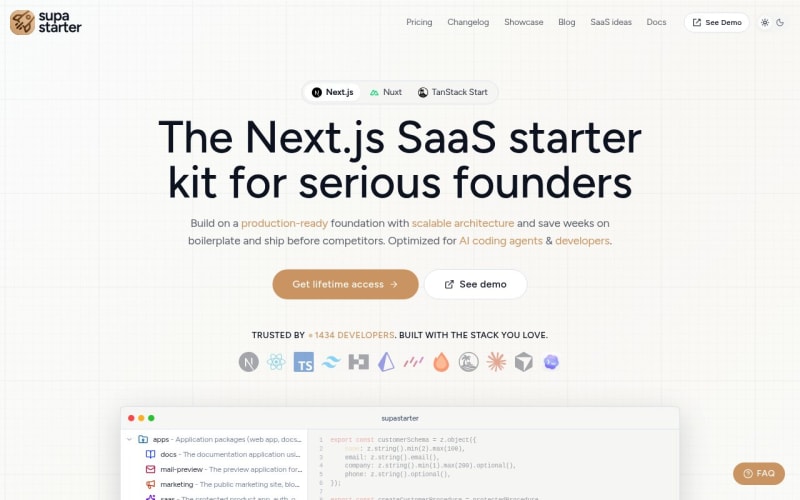
 Nuxt
 Tailwind




 Laravel
 Vue
 PHP



SaaSykit
 Livewire


 Prisma


Reviews
Leave a comment
Frequently Asked Questions
What is Saas UI?
Saas UI is a React component library and boilerplate designed to help developers quickly build high-quality SaaS applications. It provides pre-built components, starter kits, and a Figma design system to streamline the development process.
What are the key features of Saas UI?
Key features include 40+ open-source components, integration with popular libraries (Chakra UI, React Hook Form, React Table, etc.), production-ready templates, a Figma design system, accessible components, theming support, and a focus on reducing boilerplate code.
Is Saas UI free?
A core set of 40+ components is available for free and open-source. A Pro version offers additional premium components, starter kits, and advanced features.
What frameworks/libraries does Saas UI use?
Saas UI is built on top of React, Chakra UI, React Hook Form, React Table, React Query, and other popular libraries. This ensures compatibility and leverages best-in-class tools.
What kind of support is available?
Documentation, community support, and potentially paid support options may be available (check their website for the latest details).
How do I get started with Saas UI?
You can begin by installing the open-source components via npm (`npm install @saas-ui/react`) and exploring the documentation. For the Pro version, you would need to purchase a license.
What is the difference between the free and Pro versions?
The free version provides access to a core set of open-source components. The Pro version unlocks premium components, starter kits (NextJS, Electron, etc.), advanced features like onboarding flows and feature flags, and enhanced documentation.
Is there a Figma design system?
Yes, Saas UI provides a Figma design system that's fully synchronized with the codebase, enabling seamless design-to-development workflows.
What type of applications is Saas UI best suited for?
Saas UI is ideally suited for building SaaS applications, dashboards, and internal tools. Its focus on reusable components and streamlined workflows makes it efficient for various project types.
Is Saas.js free?
No, Saas.js is not free — it starts at $245 as a one-time license. If you need a free alternative, there are open-source options on GitHub. See all your free options for Saas.js →