
Best Expo SaaS Boilerplates (2026)
Expo is the standard toolkit for building React Native apps in 2026, providing managed workflows, EAS Build for cloud compilation, and Over-the-Air updates without App Store submissions. Expo-based SaaS boilerplates are the fastest way to launch a cross-platform mobile product: iOS and Android from a single codebase, with authentication, RevenueCat subscriptions, push notifications, and deep linking all pre-configured.
At a glance: 7 Expo boilerplates listed, priced from $69 to $499 (median $249). Lowest entry price: NativeLaunch at $69. Most features: Supastack (21 listed). Most often paired with React Native, RevenueCat, Stripe. Updated 2026-10-18.
Quick picks
Native Express
 Expo
Expo  React Native
  TypeScript
  Supabase



TurboStarter
 NextJS
  Plasmo
  Drizzle



AIO - React Native & Next Template
 Firebase

easystarter
 SQLite


LaunchToday
 Prisma
NativeLaunch
 Sentry




Supastack

Best SaaS Boilerplates in 2026
BoilerplateHub curates 100+ vetted SaaS boilerplates so you can compare options side by side and pick the one that fits your stack. Whether you need the best Next.js SaaS boilerplate, a Laravel starter kit, a Django SaaS template, or a React Native mobile boilerplate, every listing includes verified pricing, tech stack details, and a full feature breakdown, so you know exactly what you're getting before you buy.
Most Popular SaaS Boilerplates
The most-used SaaS boilerplates are built on Next.js. Options like ShipFast, LaunchFast, and Shipped dominate because Next.js is the default choice for production React apps. For PHP teams, Laravel SaaS boilerplates like Larafast and SaaSykit offer the same batteries-included experience. Python developers lean on SaaS Pegasus, the most mature Django SaaS boilerplate available. And for mobile-first products, React Native and Expo SaaS starter kits let you share auth, billing, and API logic across iOS and Android from a single codebase.
What Separates Good SaaS Boilerplates from Great Ones
The best SaaS boilerplates go beyond wiring up auth and Stripe. Look for active maintenance: GitHub commits in the last 90 days signal a healthy project. Multi-tenancy support matters if you're building B2B. A built-in blog and landing page saves another week of work. Admin panels, dark mode, and onboarding flows ship products that feel polished from day one. Use the feature filters above to find SaaS boilerplates that match your exact checklist.
Free vs. Paid SaaS Boilerplates
Free SaaS boilerplates on GitHub are a solid starting point, but they often lack documentation, support, and regular updates as frameworks evolve. Paid SaaS boilerplates in the $49–$300 range come with setup guides, author support, and updates that track Next.js, Laravel, and other framework releases. For a production product, the license fee pays back in the first sprint. A developer's time costs far more per hour than a one-time boilerplate purchase.
Expo Boilerplates Compared
Every boilerplate below is listed in our catalog with verified pricing. We compare by stack fit, included integrations, and price, not by affiliate payout.
| Boilerplate | Price | Auth | Payments | Database | AI | ||
|---|---|---|---|---|---|---|---|
| LaunchToday | $249 | ✓ | ✓ | – | – | – | Review → |
| AIO - React Native & Next Template | $499 | ✓ | ✓ | – | ✓ | – | Review → |
| Native Express | $179 - $229 | ✓ | ✓ | – | ✓ | ✓ | Review → |
| TurboStarter | $299 - $499 | ✓ | ✓ | – | – | ✓ | Review → |
| easystarter | $112 | ✓ | ✓ | ✓ | – | – | Review → |
| Supastack | $249 - $499 | ✓ | ✓ | ✓ | – | ✓ | Review → |
| NativeLaunch | $69 - $99 | ✓ | ✓ | – | – | ✓ | Review → |
All 7 Expo Boilerplates
LaunchToday
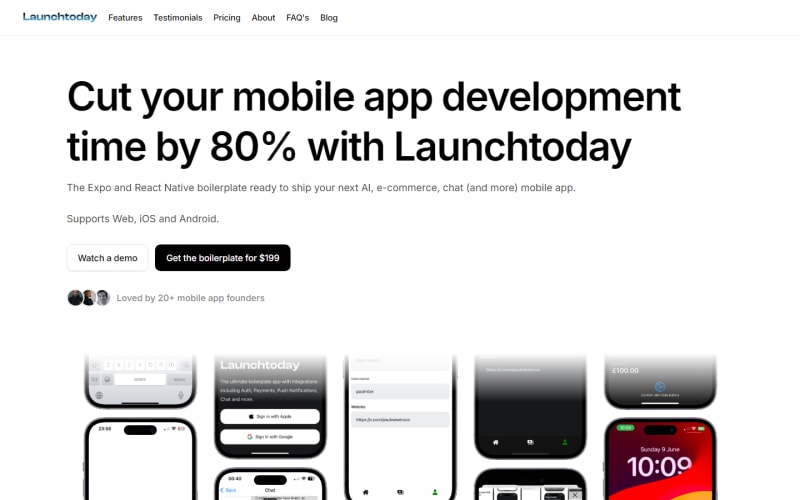
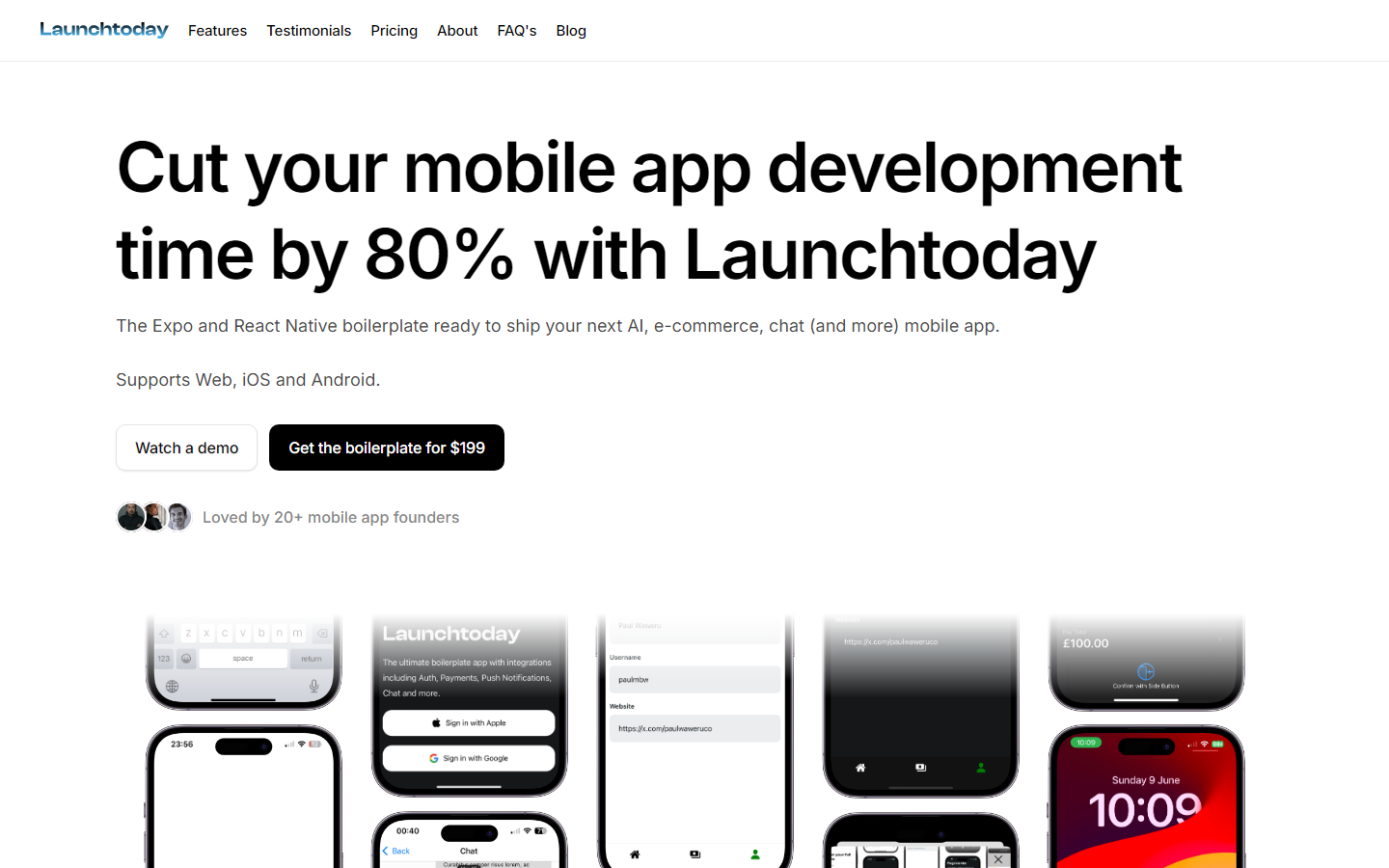
LaunchToday is an Expo and React Native starter with Supabase and Firebase wired in, plus AI, chat and e-commerce pieces, for developers shipping one codebase to both app stores. The flat $249 price sits around 60 percent above the $157 median, which is the cost of cross-platform mobile rather than another Next.js kit. Only auth and payments appear among the listed features, a short set at that price, and with no admin panel or email included, account management and user messaging start from scratch.
AIO - React Native & Next Template
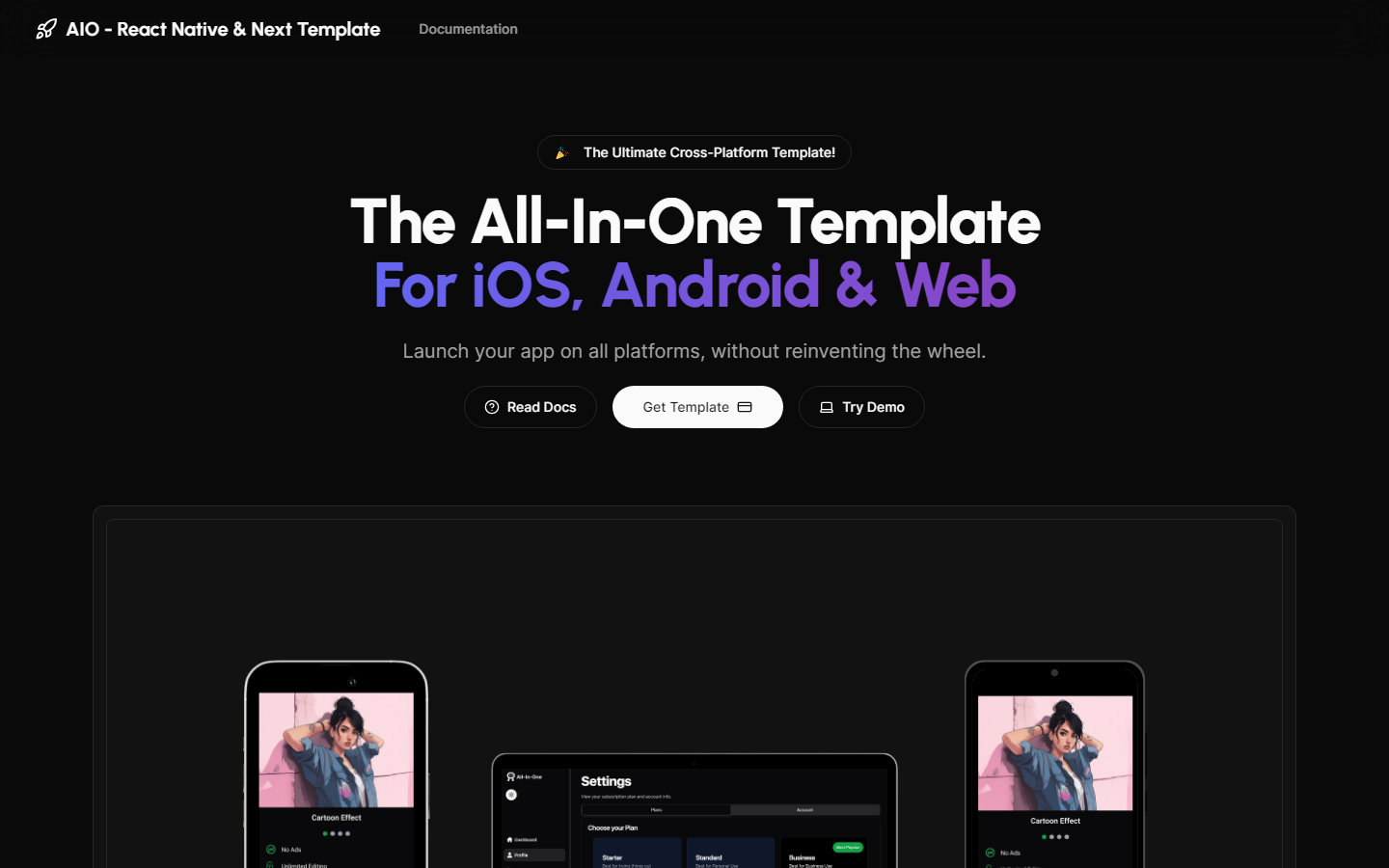
One codebase covering iOS, Android, and web, built on NextJS with Expo and React Native and typed throughout. Auth, payments, analytics, database, and SEO are all preintegrated, making it the most complete cross platform option in this group for developers who genuinely need all three targets. At $499 it is near the $506 ceiling of the catalog and more than triple the $157 median, so the value case rests entirely on needing mobile and web together. Single target projects will find cheaper, more focused kits here.
Native Express
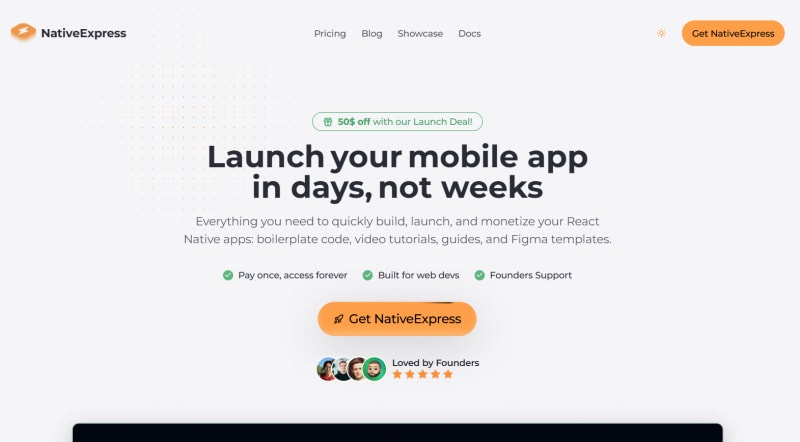
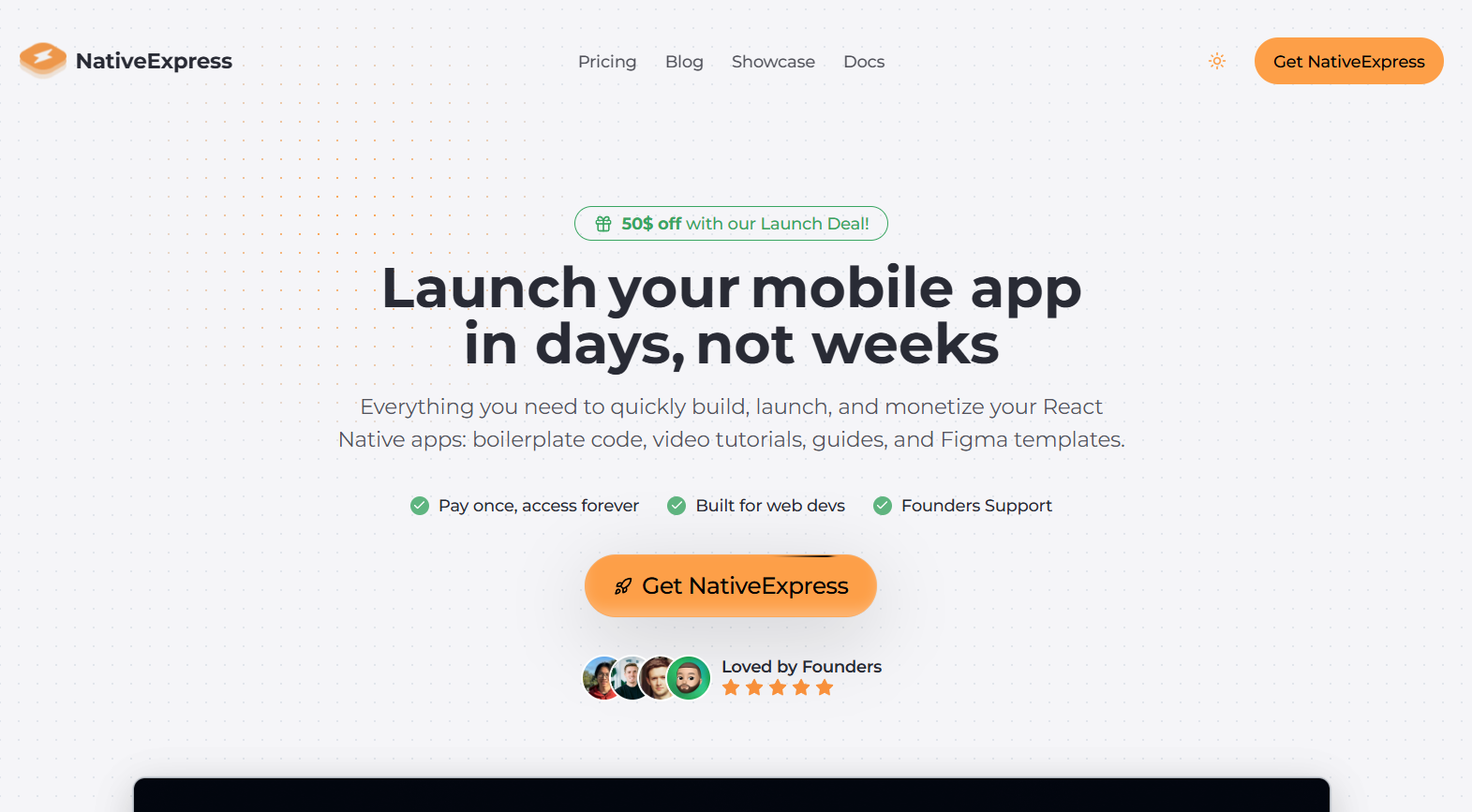
Expo and React Native with TypeScript and Supabase, plus video tutorials, for developers shipping to the App Store rather than the browser. Auth, payments, notifications, analytics, database and AI hooks are listed, which is solid coverage for a mobile kit. The $179 to $229 price sits above the $157 median, reflecting how few mobile-first options this catalog carries. Consider that it is mobile only: there is no companion web app or admin panel in the feature list, so a marketing site and back office remain separate projects.
TurboStarter
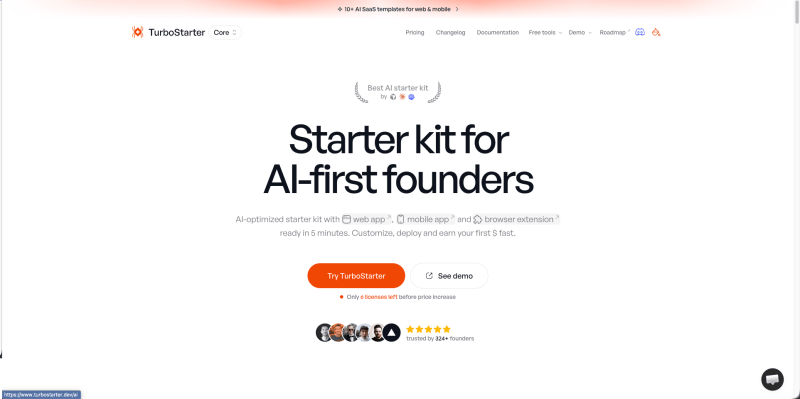
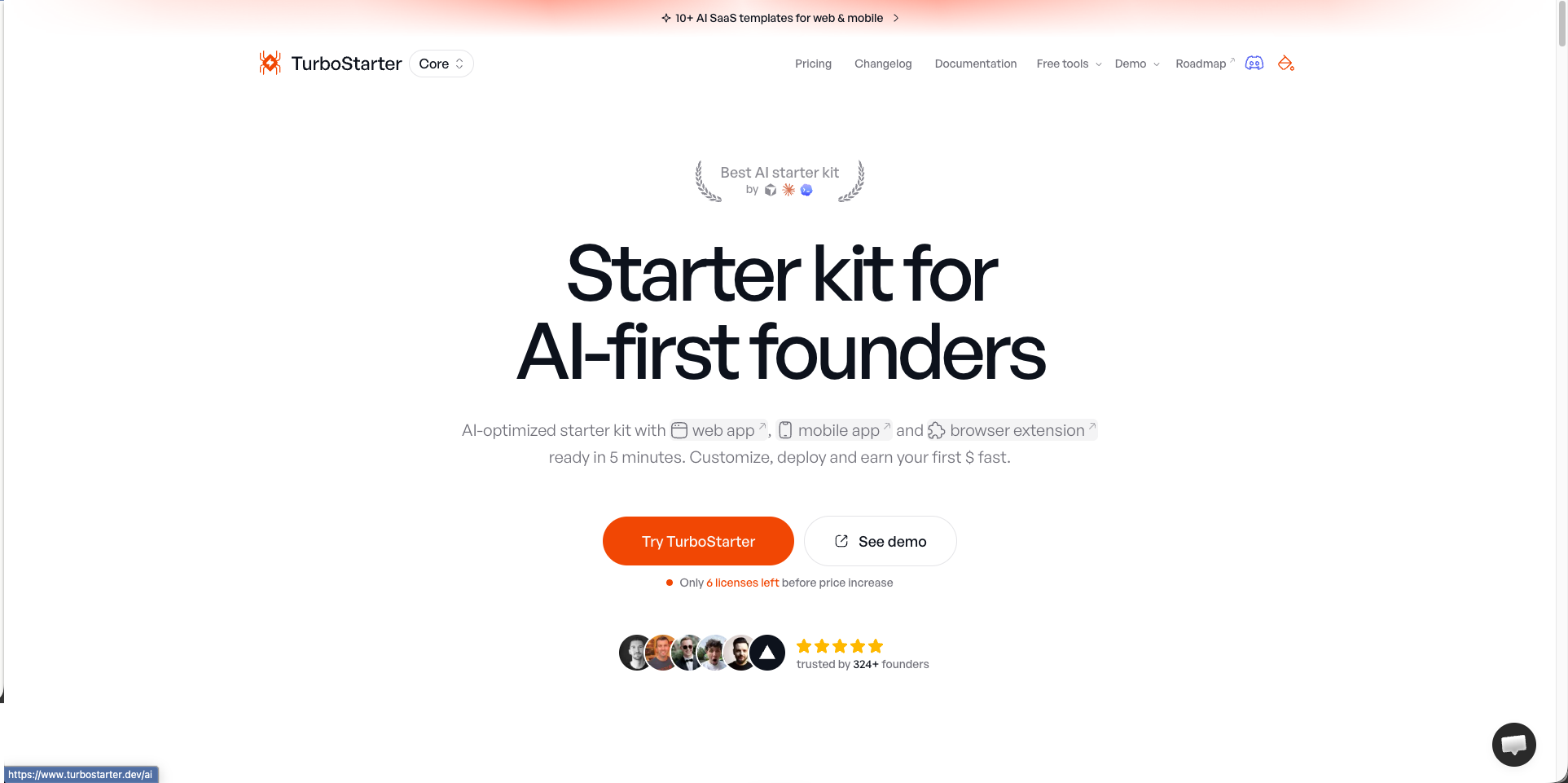
Three targets from one codebase, web on NextJS, mobile on Expo and React Native, and a browser extension via Plasmo, all on Supabase with multi-tenancy, admin panel, AI and payments. Nothing else in the catalog spans that combination. The $299 to $499 range is roughly two to three times the $157 median, and the breadth is what you are paying for. Fair warning on scope: a monorepo covering three platforms carries real setup and maintenance overhead, so it only pays off if you genuinely ship to more than one.
easystarter
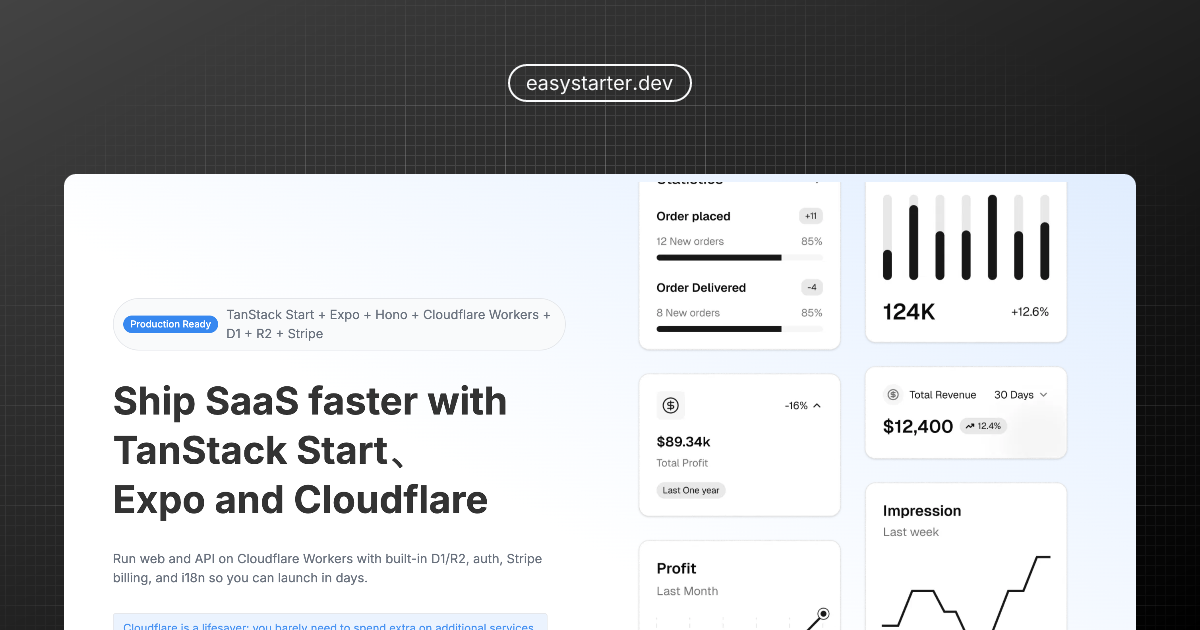
Full-stack SaaS starter for web, iOS and Android using TanStack Start, Expo, Hono and Cloudflare Workers, with Better Auth, Drizzle and Stripe.
Supastack
SaaS boilerplate for web, mobile and desktop using Next.js 16, Expo and Tauri in a Turborepo monorepo, with Better Auth, Drizzle, Stripe and AI.
NativeLaunch
Expo and React Native mobile app boilerplate with Supabase auth, RevenueCat paywalls, OneSignal push, Sentry and an OpenAI assistant flow.
Building on Expo?
Before you pick a starter, it helps to settle the layers around it and get your coding agent set up for the framework.
How to choose an Expo boilerplate
Confirm how the kit handles builds and updates. Managed Expo with EAS Build removes most native toolchain work and enables over the air updates, which matters because app store review adds days to every fix. Kits that eject to bare React Native give you deeper native access and take that convenience away.
Mobile billing is not Stripe. Apple and Google require in app purchase for digital subscriptions, so look for RevenueCat or an equivalent layer over StoreKit and Google Play Billing. A kit that only lists Stripe is built for web billing and will not pass App Store review for subscriptions.
Check whether the kit shares code with a web app. Some Expo kits ship alongside a NextJS app in a monorepo, which is valuable if you need both surfaces and unnecessary overhead if you do not.
Frequently Asked Questions
Is Expo good for production SaaS apps?
Yes. Expo's managed workflow is used in production by thousands of apps. EAS Build handles native compilation in the cloud, and EAS Submit automates App Store and Play Store submissions. The tradeoff is slightly less control over native code, but for most SaaS products this is not a limitation.
What subscription billing do Expo boilerplates use?
Expo SaaS boilerplates typically use RevenueCat for in-app subscription billing on iOS and Android, which abstracts the App Store and Play Store purchase APIs. For web billing, Stripe is the standard. Many Expo boilerplates include both.