
Lists Kit vs Saas UI: Head-to-Head Comparison
Choosing between Lists Kit and Saas UI? We've compared both boilerplates across pricing, features, tech stack, and more. Lists Kit is $2 cheaper, but pricing isn't everything. Let's dive into the details.
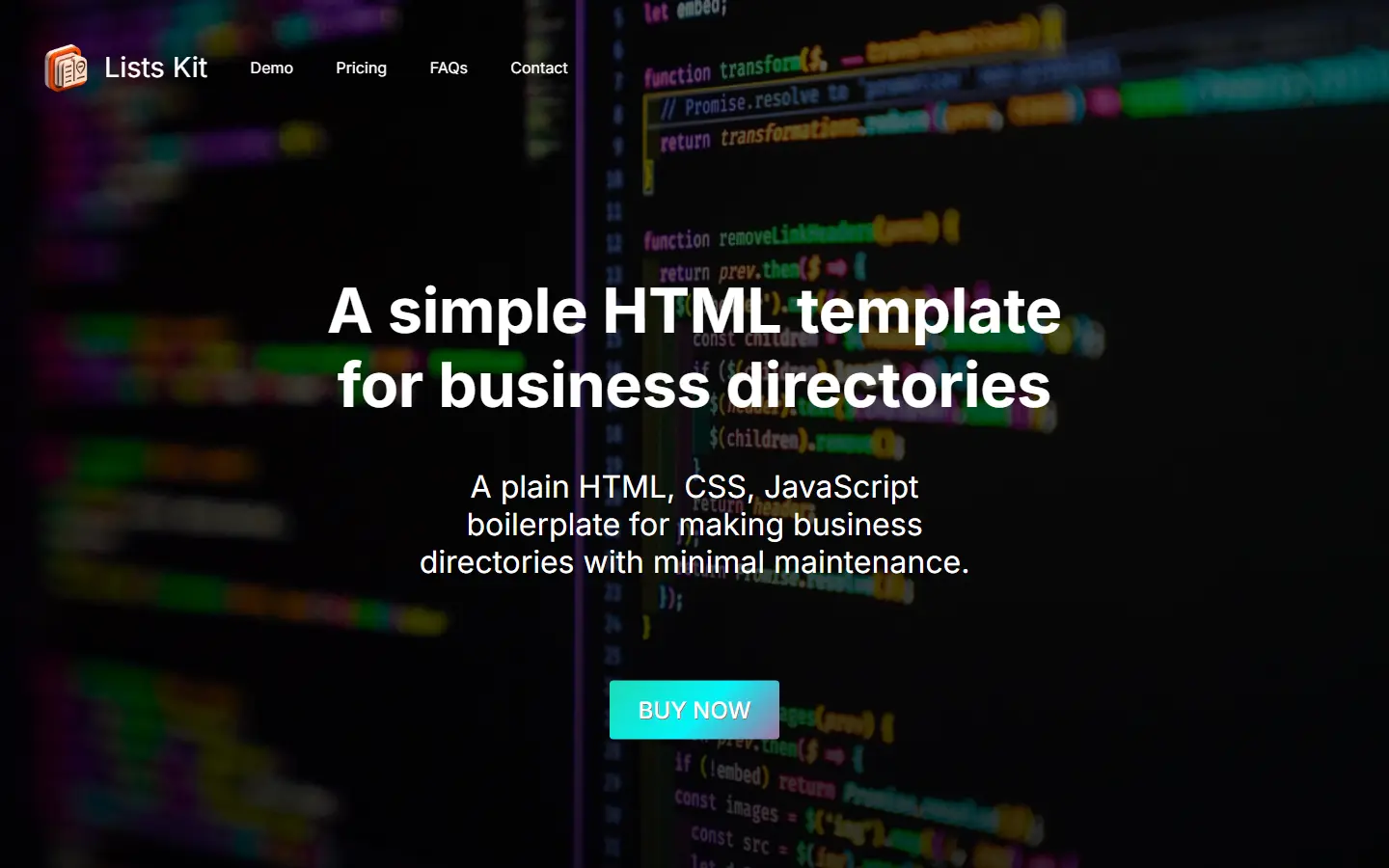
Lists Kit
Specialized Remix boilerplate for efficient development of list-based web applications.
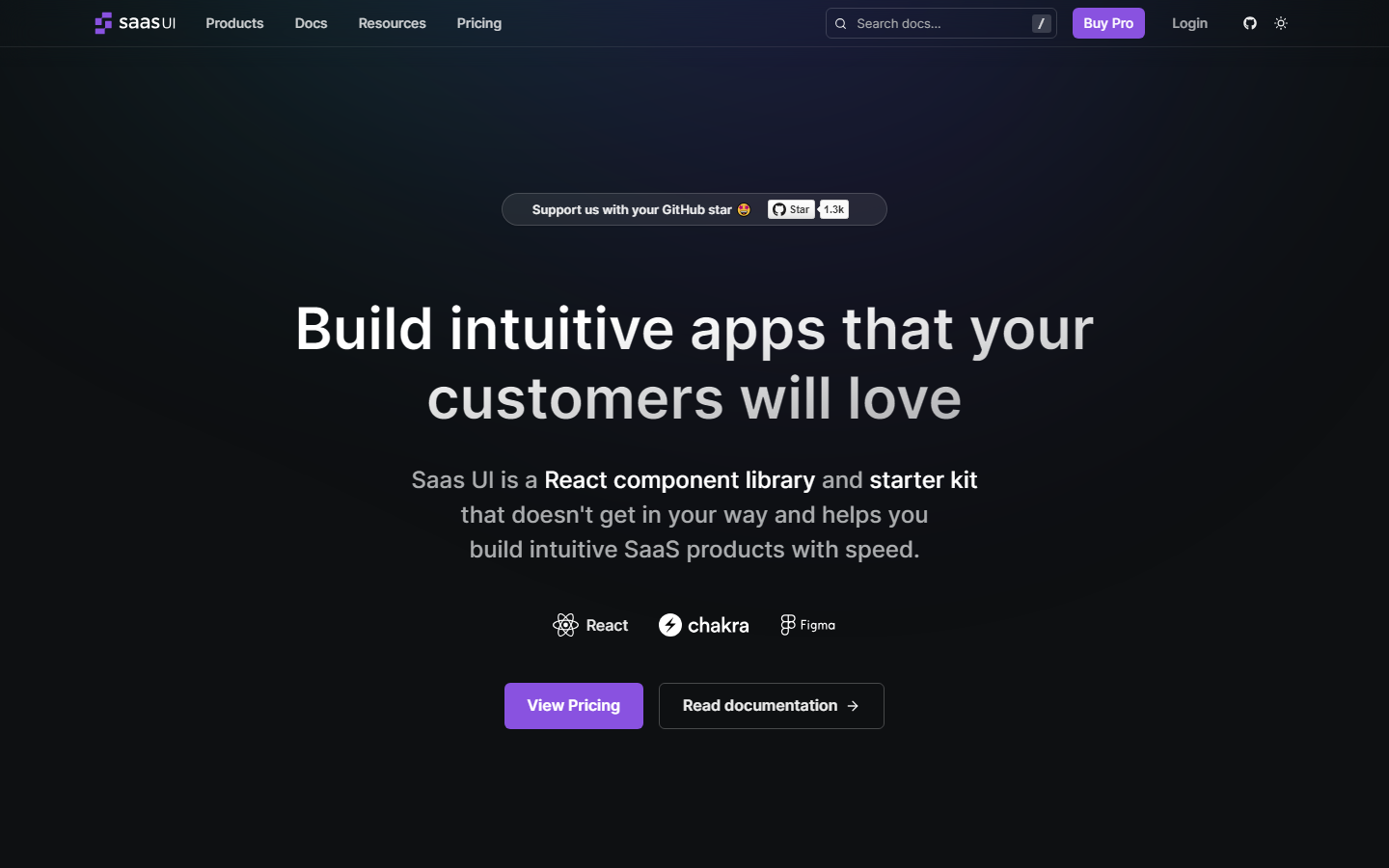
Saas UI
Saas UI: Intuitive React component library and starter kit for building SaaS products with speed and flexibility.
Lists Kit Tech Stack
 Javascript
  HTML
HTML  CSS
CSS Saas UI Tech Stack
 React
React  Chakra
  Figma
Figma | Comparison | Lists Kit | Saas UI |
|---|---|---|
| Starting Price | $47 | $49 |
| Components | ✓ | ✓ |
| Directory | ✓ | — |
| Onboarding | — | ✓ |
| Themes | — | ✓ |
Which Should You Choose?
Choose Lists Kit if you prioritize Components and Directory. Choose Saas UI if Components and Onboarding are more important to your project.
Frequently Asked Questions
What is the difference between Lists Kit and Saas UI?
Lists Kit costs $47 and includes 2 features. Saas UI costs $49 and includes 3 features. Lists Kit uniquely offers Directory. Saas UI uniquely offers Onboarding, Themes.
Which is cheaper, Lists Kit or Saas UI?
Lists Kit is cheaper at $47, which is $2 less than Saas UI ($49).
Do Lists Kit and Saas UI use the same tech stack?
No, Lists Kit and Saas UI use different tech stacks. Lists Kit is built with Javascript, HTML, CSS, while Saas UI uses React, Chakra, Figma.
Which has more features, Lists Kit or Saas UI?
Saas UI has more features (3 vs 2). See the feature matrix above for the full breakdown.
Should I choose Lists Kit or Saas UI?
Choose Lists Kit if you need Components and Directory and prefer its tech stack. Choose Saas UI if Components and Onboarding are higher priorities. If price is the deciding factor, Lists Kit is $$2 cheaper.