
Boring Database vs MakerKit: Head-to-Head Comparison
Choosing between Boring Database and MakerKit? We've compared both boilerplates across pricing, features, tech stack, and more. Boring Database is $139 cheaper, but pricing isn't everything. Let's dive into the details.
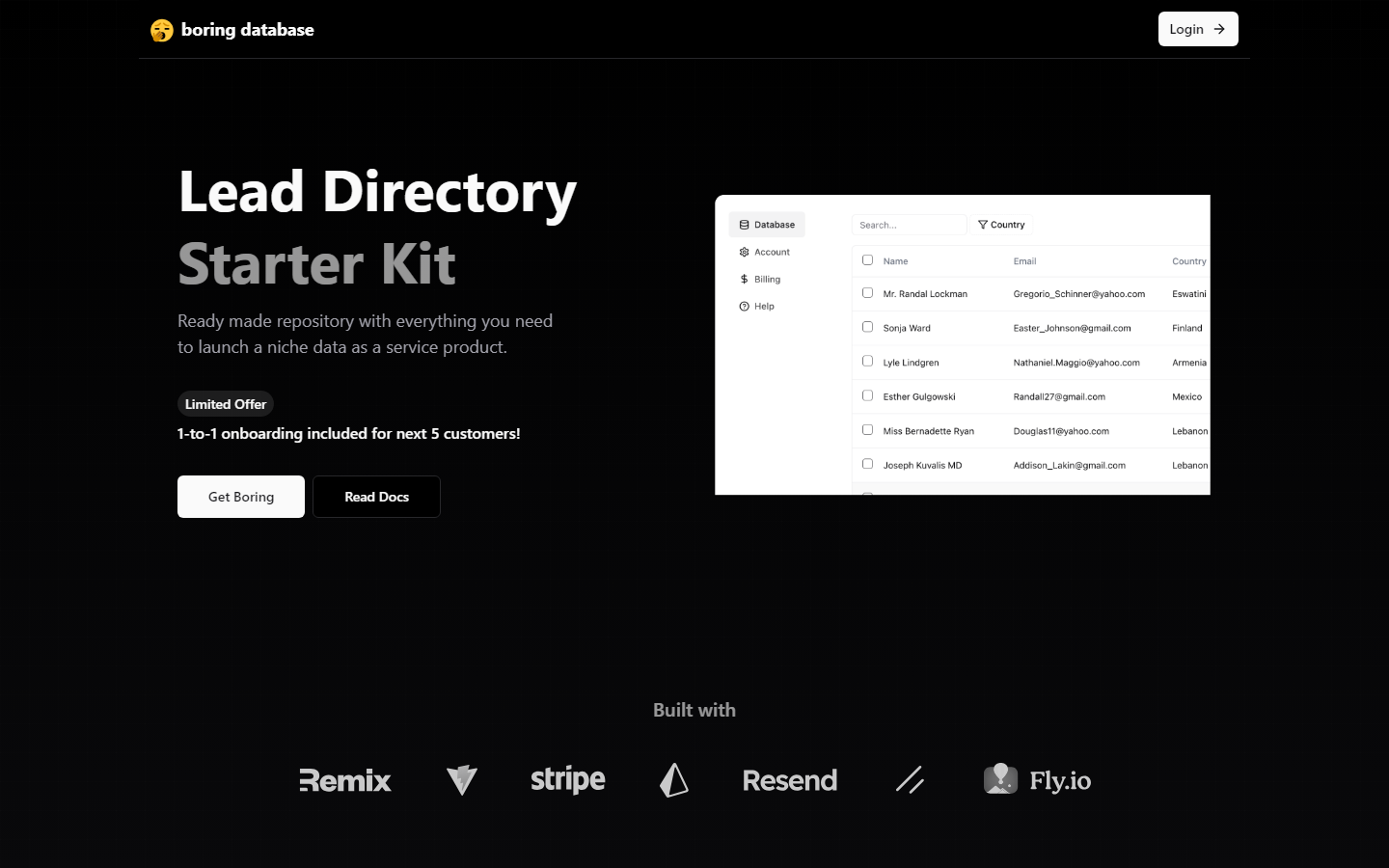
Boring Database
Ready made repository with everything you need to launch a niche data as a service product.
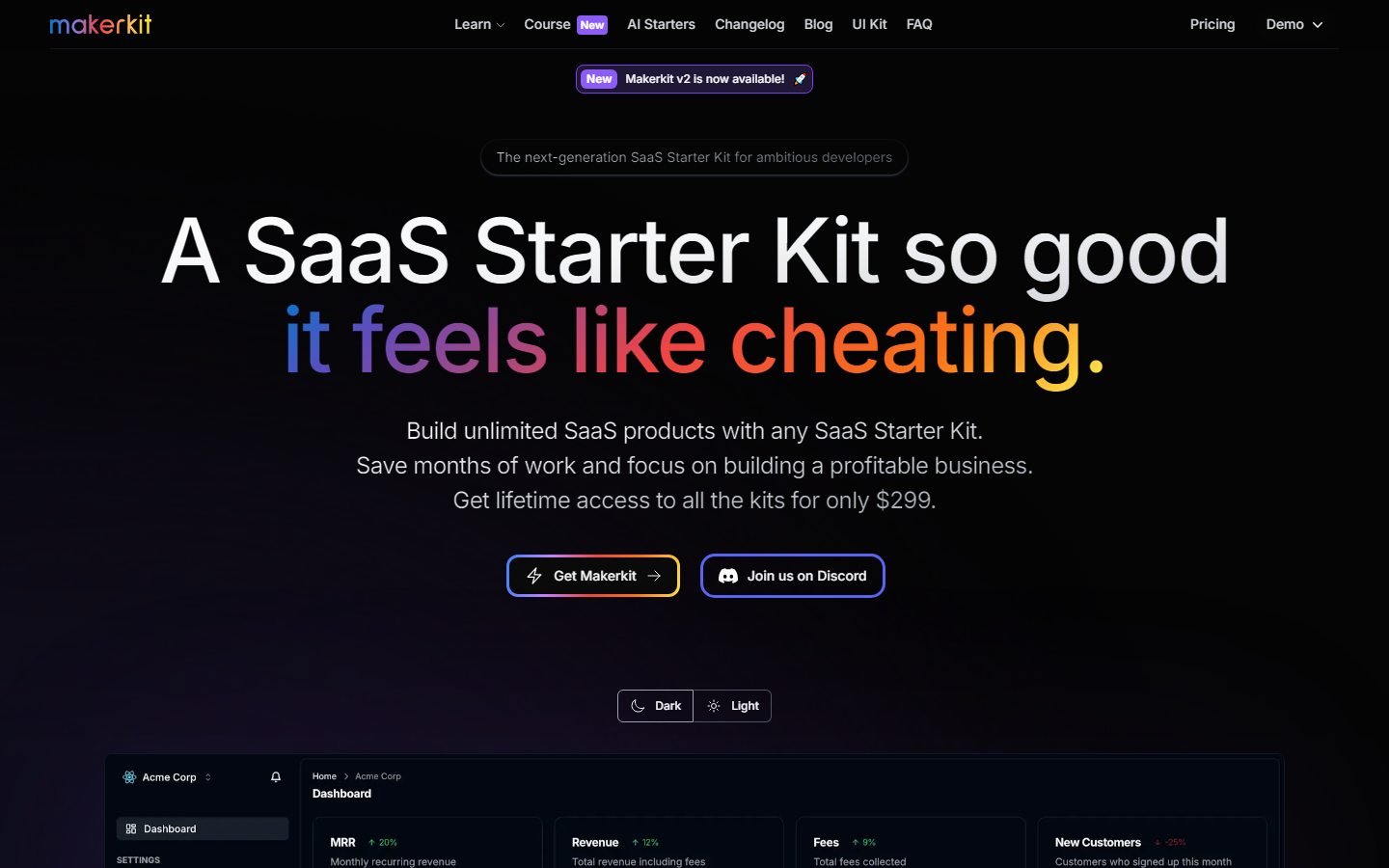
MakerKit
A SaaS Starter Kit so good,it feels like cheating.Save months of work and focus on building a profitable business.
Boring Database Tech Stack
 Remix
Remix  Fly.io
  Stripe
 MakerKit Tech Stack
 NextJS
  React Remix
  TypeScript
  Supabase
 | Comparison | Boring Database | MakerKit |
|---|---|---|
| Starting Price | $160 | $299 |
| Auth | ✓ | ✓ |
| Payments | ✓ | ✓ |
| ✓ | — | |
| Landing Page | ✓ | — |
| Tables | ✓ | — |
| Admin Panel | — | ✓ |
| Blog | — | ✓ |
| Dark Mode | — | ✓ |
| Documentation | — | ✓ |
| Plugins | — | ✓ |
Which Should You Choose?
Choose Boring Database if you prioritize Auth and Email. Choose MakerKit if Admin Panel and Auth are more important to your project.
Frequently Asked Questions
What is the difference between Boring Database and MakerKit?
Boring Database costs $160 and includes 5 features. MakerKit costs $299 and includes 7 features. Boring Database uniquely offers Email, Landing Page, Tables. MakerKit uniquely offers Admin Panel, Blog, Dark Mode.
Which is cheaper, Boring Database or MakerKit?
Boring Database is cheaper at $160, which is $139 less than MakerKit ($299).
Do Boring Database and MakerKit use the same tech stack?
Yes, both share Remix in common. Boring Database uses Fly.io, Stripe exclusively, while MakerKit uses NextJS, React, TypeScript, Supabase exclusively.
Which has more features, Boring Database or MakerKit?
MakerKit has more features (7 vs 5). See the feature matrix above for the full breakdown.
Should I choose Boring Database or MakerKit?
Choose Boring Database if you need Auth and Email and prefer its tech stack. Choose MakerKit if Admin Panel and Auth are higher priorities. If price is the deciding factor, Boring Database is $$139 cheaper.