
LaunchFast vs TurboStarter: Head-to-Head Comparison
Choosing between LaunchFast and TurboStarter? We've compared both boilerplates across pricing, features, tech stack, and more. LaunchFast is $200 cheaper, but pricing isn't everything. Let's dive into the details.
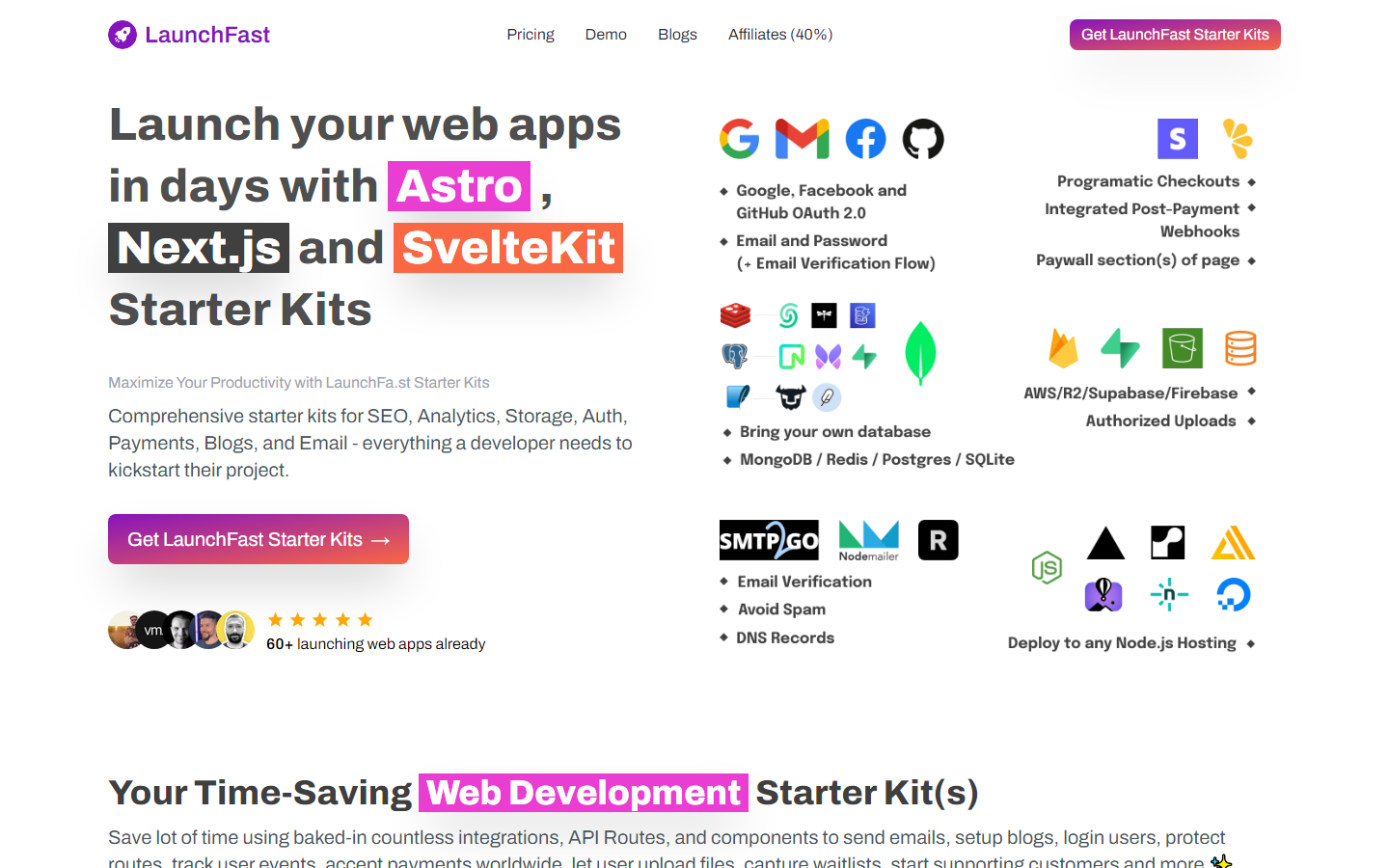
LaunchFast
Efficient starter kits for Astro, NextJS, and SvelteKit, enabling quick setup of modern web applications.
LaunchFast Tech Stack
 NextJS Better Auth Polar Postmark Turso
  Astro
Astro  SvelteKit
  Supabase
  Firebase
  Neon
Neon  Resend
  Clerk
Clerk  NextAuth
  Sendgrid
  Stripe
  Lemon Squeezy
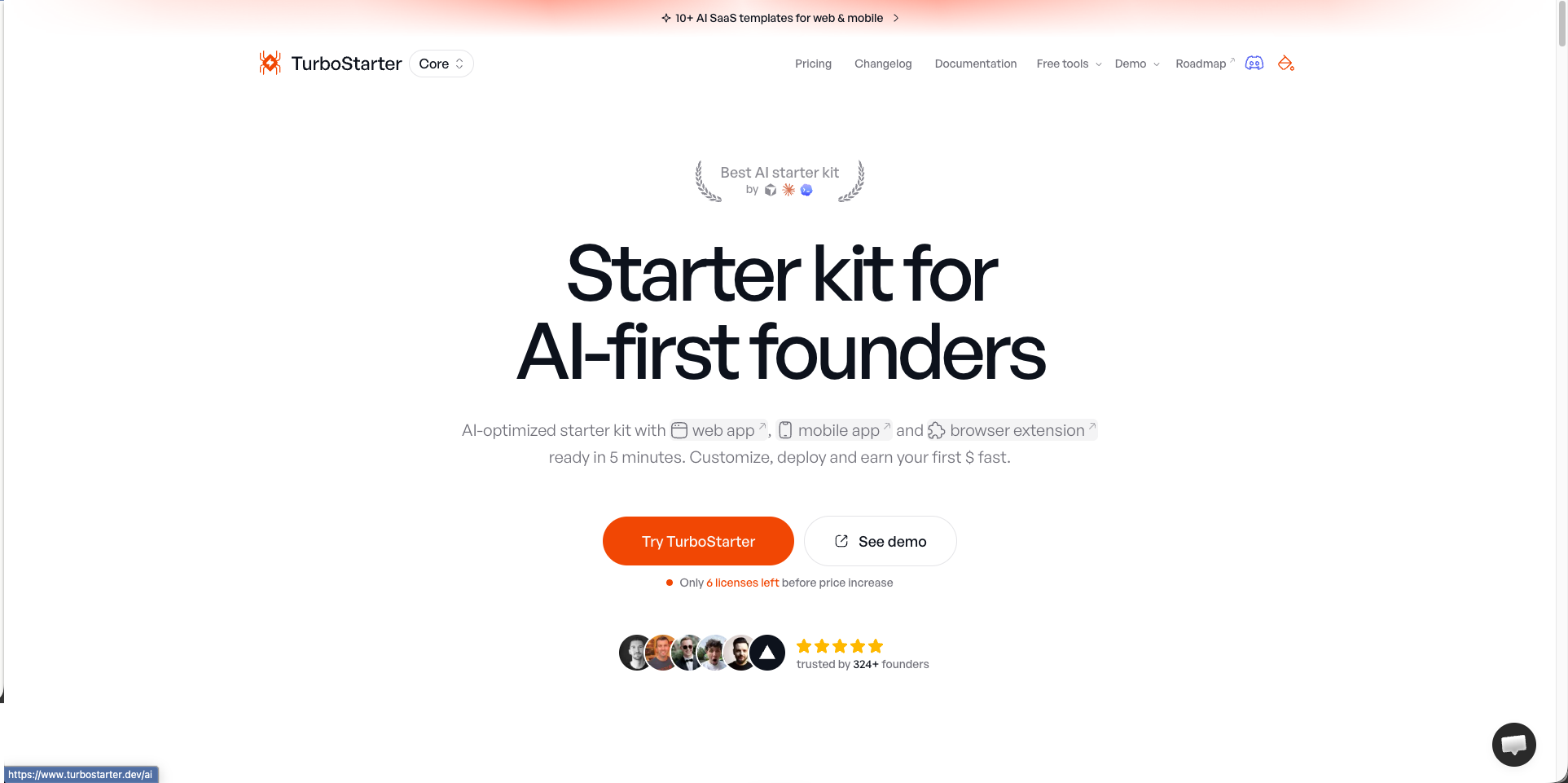
 TurboStarter Tech Stack
NextJS Better Auth Polar Postmark  Expo
Expo  React Native
  Plasmo Supabase
  Drizzle Resend Sendgrid Stripe Lemon Squeezy
  RevenueCat
 | Specification | LaunchFast | TurboStarter |
|---|---|---|
| Starting price | $99 | $299 |
| Price range | $99 - $249 | $299 - $499 |
| Stack | NextJS, Better Auth, Polar, Postmark, Turso, Astro, SvelteKit, Supabase, Firebase, Neon, Resend, Clerk, NextAuth, Sendgrid, Stripe, Lemon Squeezy | NextJS, Better Auth, Polar, Postmark, Expo, React Native, Plasmo, Supabase, Drizzle, Resend, Sendgrid, Stripe, Lemon Squeezy, RevenueCat |
| Integrations listed | 8 | 5 |
| Auth | ✓ | ✓ |
| Payments | ✓ | ✓ |
| Database | ✓ | — |
| ✓ | — | |
| AI | — | ✓ |
| Admin Panel | — | ✓ |
| Multi-tenancy | — | ✓ |
| SEO | ✓ | — |
| Blog | — | — |
| Analytics | ✓ | — |
| Agent readiness · checked 2026-08-17 | ||
| AGENTS.md included | ? | ✓ |
| CLAUDE.md included | ? | ✓ |
| Cursor rules included | ? | ✓ |
| Ships Claude skills | ? | ✓ |
| Ships subagents | ? | ✓ |
| MCP integrations | ? | ✓ |
| Tests an agent can run | ? | ✓ |
| TypeScript | ? | ? |
| Agent-readiness score | 3/100 | 95/100 |
| Everything else either kit lists | ||
| Components | ✓ | — |
| Support | ✓ | — |
A question mark means the vendor's public documentation does not mention that capability. It is not a statement that the boilerplate lacks it. How we score agent readiness
Specifications last updated , from the BoilerplateHub catalog.
Which Should You Choose?
Choose LaunchFast if you prioritize Analytics and Auth. Choose TurboStarter if AI and Admin Panel are more important to your project.
Frequently Asked Questions
What is the difference between LaunchFast and TurboStarter?
LaunchFast costs $99 and includes 8 features. TurboStarter costs $299 and includes 5 features. LaunchFast uniquely offers Analytics, Components, Database. TurboStarter uniquely offers AI, Admin Panel, Multi-tenancy.
Which is cheaper, LaunchFast or TurboStarter?
LaunchFast is cheaper at $99, which is $200 less than TurboStarter ($299).
Do LaunchFast and TurboStarter use the same tech stack?
Yes, both share NextJS, Better Auth, Polar, Postmark, Supabase, Resend, Sendgrid, Stripe, Lemon Squeezy in common. LaunchFast uses Turso, Astro, SvelteKit, Firebase, Neon, Clerk, NextAuth exclusively, while TurboStarter uses Expo, React Native, Plasmo, Drizzle, RevenueCat exclusively.
Which has more features, LaunchFast or TurboStarter?
LaunchFast has more features (8 vs 5). See the feature matrix above for the full breakdown.
Should I choose LaunchFast or TurboStarter?
Choose LaunchFast if you need Analytics and Auth and prefer its tech stack. Choose TurboStarter if AI and Admin Panel are higher priorities. If price is the deciding factor, LaunchFast is $$200 cheaper.