
Super SaaS vs ShipAhead: Head-to-Head Comparison
Choosing between Super SaaS and ShipAhead? We've compared both boilerplates across pricing, features, tech stack, and more. ShipAhead is $50 cheaper, but pricing isn't everything. Let's dive into the details.
At a glance: Super SaaS costs $149 and ShipAhead costs $99, so ShipAhead is $50 cheaper to start. Both are built on Better Auth, Vue, Nuxt, Drizzle. Only ShipAhead lists Database, Email, AI, Admin Panel, SEO, Blog, Analytics. Updated 2026-10-20.
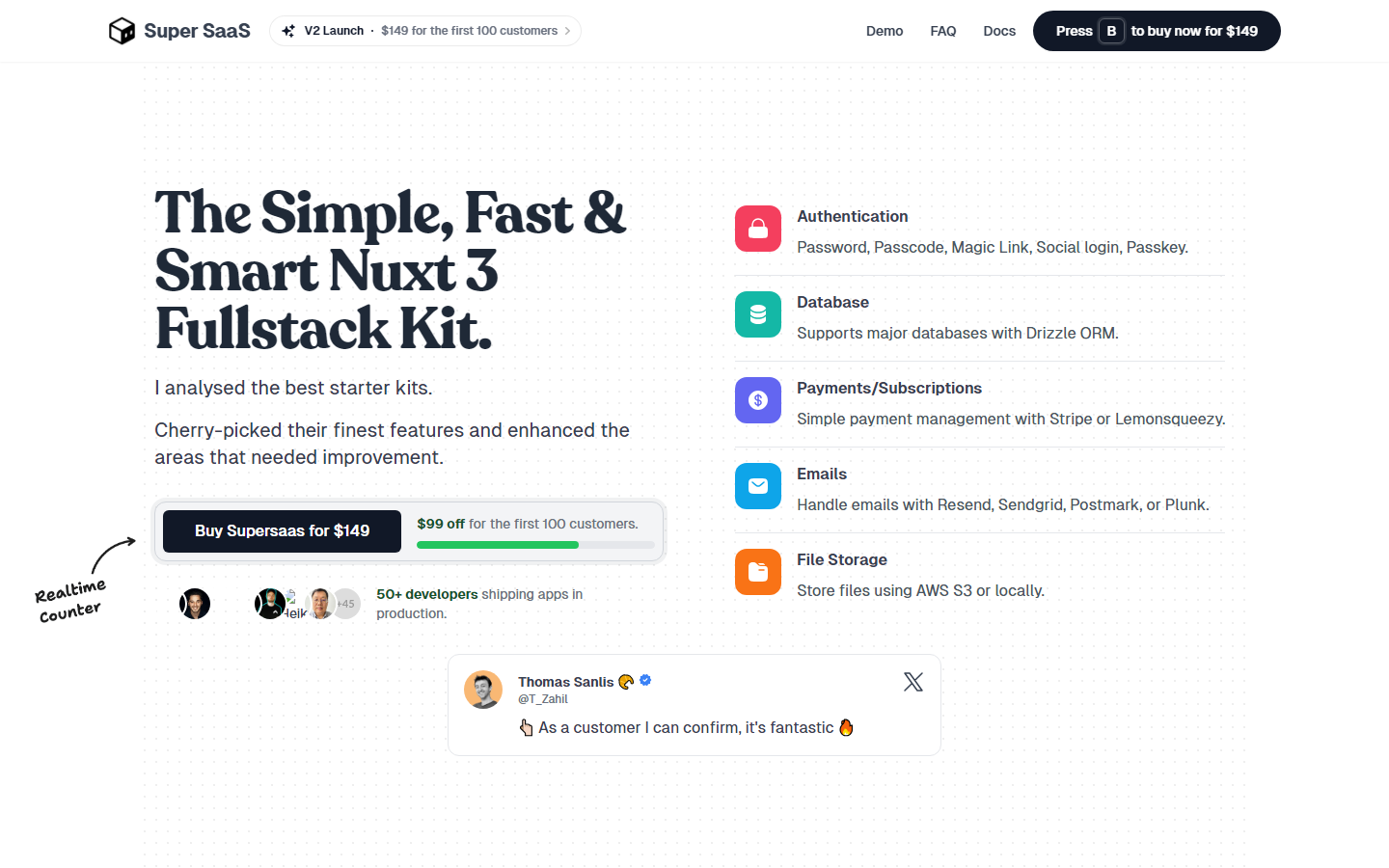
Super SaaS
Vue-based boilerplate optimized for building SaaS web applications with essential features.
Super SaaS Tech Stack
 Vue
Vue  Nuxt
Nuxt  Drizzle
  Neon
Neon  Resend
  Sendgrid
  Stripe
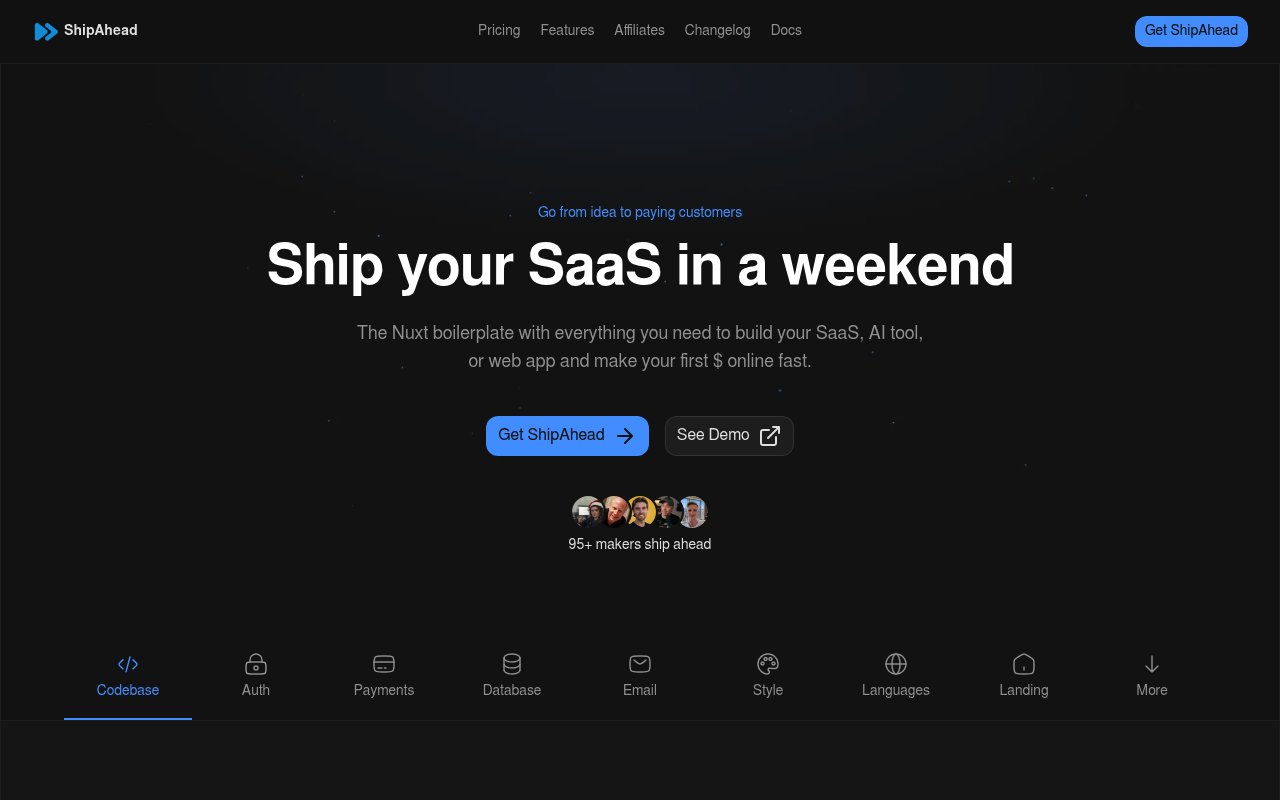
 ShipAhead Tech Stack
Vue Nuxt  TypeScript
  Supabase Drizzle Neon Resend Stripe
 | Specification | Super SaaS | ShipAhead |
|---|---|---|
| Starting price | $149 | $99 |
| Price range | $149 | $99 |
| Stack | Better Auth, Postmark, Turso, PlanetScale, Vue, Nuxt, Drizzle, Neon, Resend, Sendgrid, Stripe | Better Auth, Polar, Vue, Nuxt, TypeScript, Supabase, Drizzle, Neon, Resend, Stripe |
| Integrations listed | 3 | 26 |
| Auth | ✓ | ✓ |
| Payments | ✓ | ✓ |
| Database | — | ✓ |
| — | ✓ | |
| AI | — | ✓ |
| Admin Panel | — | ✓ |
| Multi-tenancy | — | — |
| SEO | — | ✓ |
| Blog | — | ✓ |
| Analytics | — | ✓ |
| Everything else either kit lists | ||
| Billing | — | ✓ |
| CMS | — | ✓ |
| Checkout | — | ✓ |
| Components | ✓ | ✓ |
| Customizable | — | ✓ |
| Dark Mode | — | ✓ |
| Dashboard | — | ✓ |
| Documentation | — | ✓ |
| Integrations | — | ✓ |
| Landing Page | — | ✓ |
| Responsive | — | ✓ |
| Security | — | ✓ |
| Settings | — | ✓ |
| Storage | — | ✓ |
| Themes | — | ✓ |
| User Management | — | ✓ |
| i18n | — | ✓ |
Specifications last updated , from the BoilerplateHub catalog.
Which Should You Choose?
Choose Super SaaS if you prioritize Auth and Components. Choose ShipAhead if AI and Admin Panel are more important to your project.
Frequently Asked Questions
What is the difference between Super SaaS and ShipAhead?
Super SaaS costs $149 and includes 3 features. ShipAhead costs $99 and includes 26 features. ShipAhead uniquely offers AI, Admin Panel, Analytics.
Which is cheaper, Super SaaS or ShipAhead?
ShipAhead is cheaper at $99, which is $50 less than Super SaaS ($149).
Do Super SaaS and ShipAhead use the same tech stack?
Yes, both share Better Auth, Vue, Nuxt, Drizzle, Neon, Resend, Stripe in common. Super SaaS uses Postmark, Turso, PlanetScale, Sendgrid exclusively, while ShipAhead uses Polar, TypeScript, Supabase exclusively.
Which has more features, Super SaaS or ShipAhead?
ShipAhead has more features (26 vs 3). See the feature matrix above for the full breakdown.
Should I choose Super SaaS or ShipAhead?
Choose Super SaaS if you need Auth and Components and prefer its tech stack. Choose ShipAhead if AI and Admin Panel are higher priorities. If price is the deciding factor, ShipAhead is $$50 cheaper.