
ShipThatApp vs MakerKit: Head-to-Head Comparison
Choosing between ShipThatApp and MakerKit? We've compared both boilerplates across pricing, features, tech stack, and more. ShipThatApp is $173 cheaper, but pricing isn't everything. Let's dive into the details.
At a glance: ShipThatApp costs $126 - $215 and MakerKit costs $299 - $599, so ShipThatApp is $173 cheaper to start. Both are built on Supabase. Only ShipThatApp lists Database, Analytics. Only MakerKit lists Admin Panel, Blog. Updated 2026-10-18.
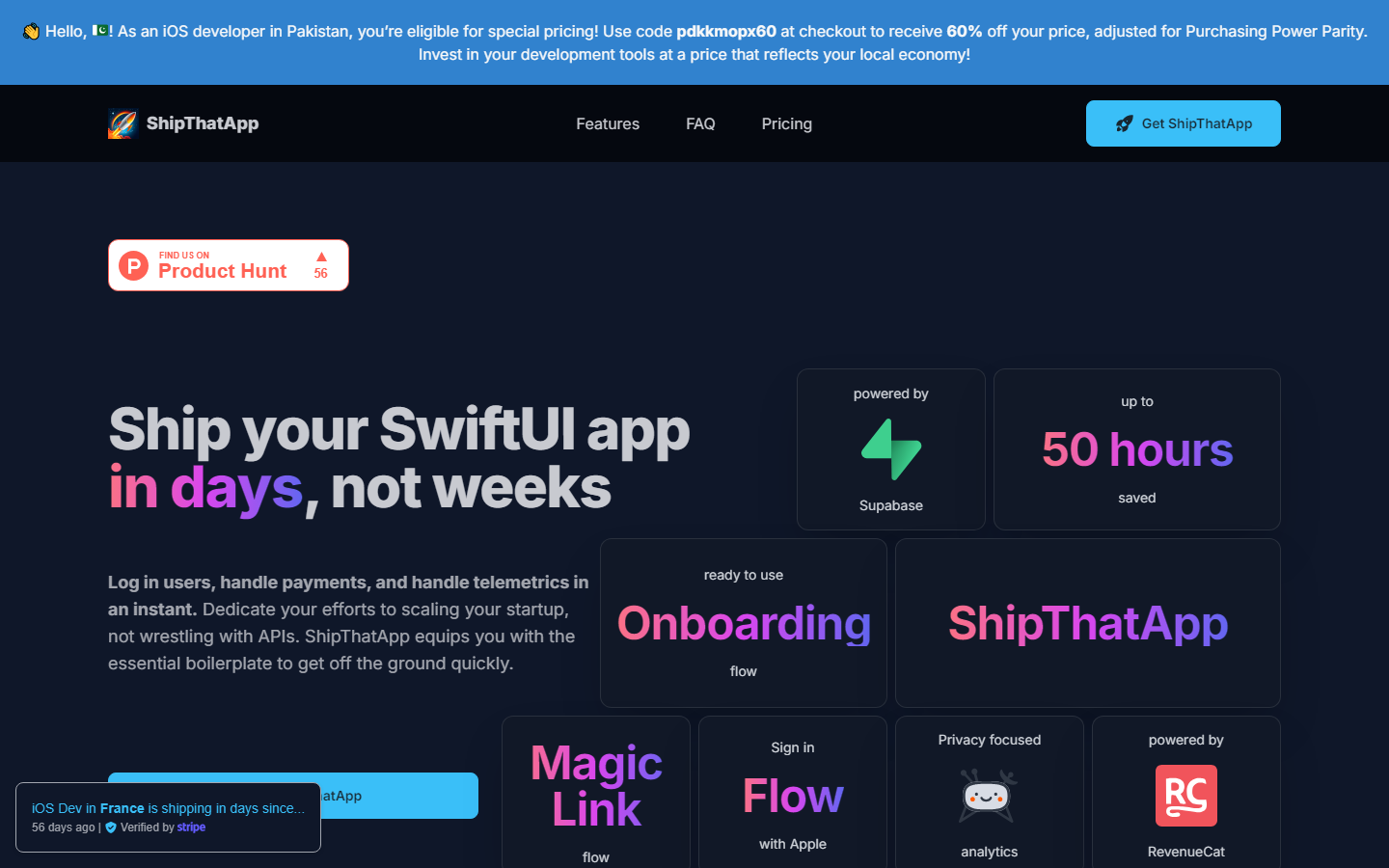
ShipThatApp
Powerful SwiftUI Kit for iOS, enabling rapid deployment, enhanced user engagement, and strategic insights for app development.
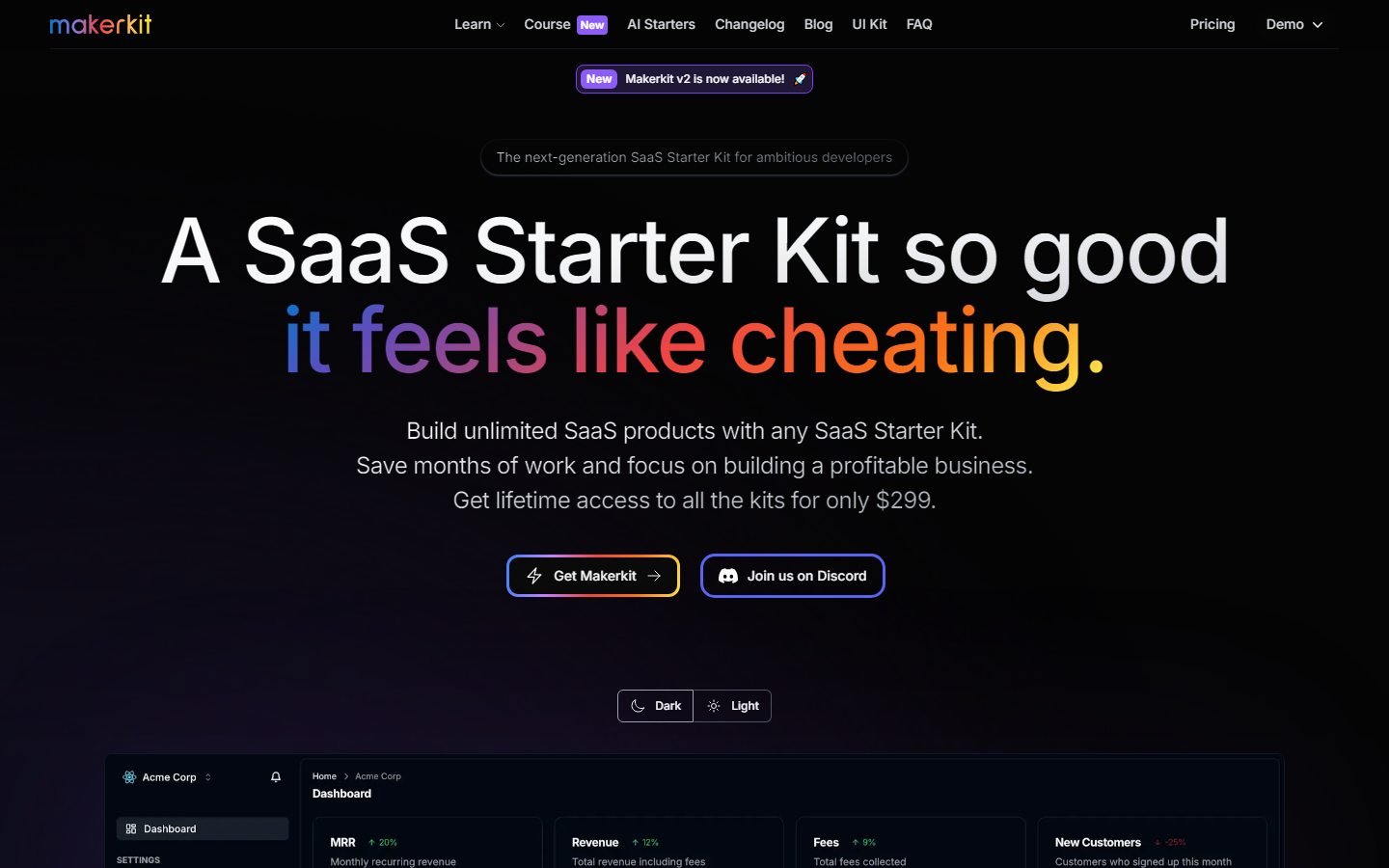
MakerKit
A SaaS Starter Kit so good,it feels like cheating.Save months of work and focus on building a profitable business.
ShipThatApp Tech Stack
 SwiftUI
  Supabase
  RevenueCat
 MakerKit Tech Stack
 NextJS Better Auth Supabase Auth Polar
  React
React  Remix
Remix  TypeScript Supabase
  Prisma
  Drizzle
  Resend
  Stripe
  Lemon Squeezy
  Paddle
 | Specification | ShipThatApp | MakerKit |
|---|---|---|
| Starting price | $126 | $299 |
| Price range | $126 - $215 | $299 - $599 |
| Stack | SwiftUI, Supabase, RevenueCat | NextJS, Better Auth, Supabase Auth, Polar, React, Remix, TypeScript, Supabase, Prisma, Drizzle, Resend, Stripe, Lemon Squeezy, Paddle |
| Integrations listed | 9 | 7 |
| Auth | ✓ | ✓ |
| Payments | ✓ | ✓ |
| Database | ✓ | — |
| — | — | |
| AI | — | — |
| Admin Panel | — | ✓ |
| Multi-tenancy | — | — |
| SEO | — | — |
| Blog | — | ✓ |
| Analytics | ✓ | — |
| Agent readiness · checked 2026-08-17 | ||
| AGENTS.md included | ? | ✓ |
| CLAUDE.md included | ? | ✓ |
| Cursor rules included | ? | — |
| Ships Claude skills | ? | ✓ |
| Ships subagents | ? | ✓ |
| MCP integrations | ? | ✓ |
| Tests an agent can run | ? | ✓ |
| TypeScript | ? | ✓ |
| Agent-readiness score | 0/100 | 90/100 |
| Everything else either kit lists | ||
| Checkout | ✓ | — |
| Community | ✓ | — |
| Components | ✓ | — |
| Dark Mode | — | ✓ |
| Documentation | — | ✓ |
| Plugins | — | ✓ |
| Support | ✓ | — |
| Updates | ✓ | — |
A question mark means the vendor's public documentation does not mention that capability. It is not a statement that the boilerplate lacks it. How we score agent readiness
Specifications last updated , from the BoilerplateHub catalog.
Which Should You Choose?
Choose ShipThatApp if you prioritize Analytics and Auth. Choose MakerKit if Admin Panel and Auth are more important to your project.
Frequently Asked Questions
What is the difference between ShipThatApp and MakerKit?
ShipThatApp costs $126 and includes 9 features. MakerKit costs $299 and includes 7 features. ShipThatApp uniquely offers Analytics, Checkout, Community. MakerKit uniquely offers Admin Panel, Blog, Dark Mode.
Which is cheaper, ShipThatApp or MakerKit?
ShipThatApp is cheaper at $126, which is $173 less than MakerKit ($299).
Do ShipThatApp and MakerKit use the same tech stack?
Yes, both share Supabase in common. ShipThatApp uses SwiftUI, RevenueCat exclusively, while MakerKit uses NextJS, Better Auth, Supabase Auth, Polar, React, Remix, TypeScript, Prisma, Drizzle, Resend, Stripe, Lemon Squeezy, Paddle exclusively.
Which has more features, ShipThatApp or MakerKit?
ShipThatApp has more features (9 vs 7). See the feature matrix above for the full breakdown.
Should I choose ShipThatApp or MakerKit?
Choose ShipThatApp if you need Analytics and Auth and prefer its tech stack. Choose MakerKit if Admin Panel and Auth are higher priorities. If price is the deciding factor, ShipThatApp is $$173 cheaper.