
MakerKit vs Native Express: Head-to-Head Comparison
Choosing between MakerKit and Native Express? We've compared both boilerplates across pricing, features, tech stack, and more. Native Express is $120 cheaper, but pricing isn't everything. Let's dive into the details.
At a glance: MakerKit costs $299 - $599 and Native Express costs $179 - $229, so Native Express is $120 cheaper to start. Both are built on Supabase Auth, TypeScript, Supabase. Only MakerKit lists Admin Panel, Blog. Only Native Express lists Database, AI, Analytics. Updated 2026-06-27.
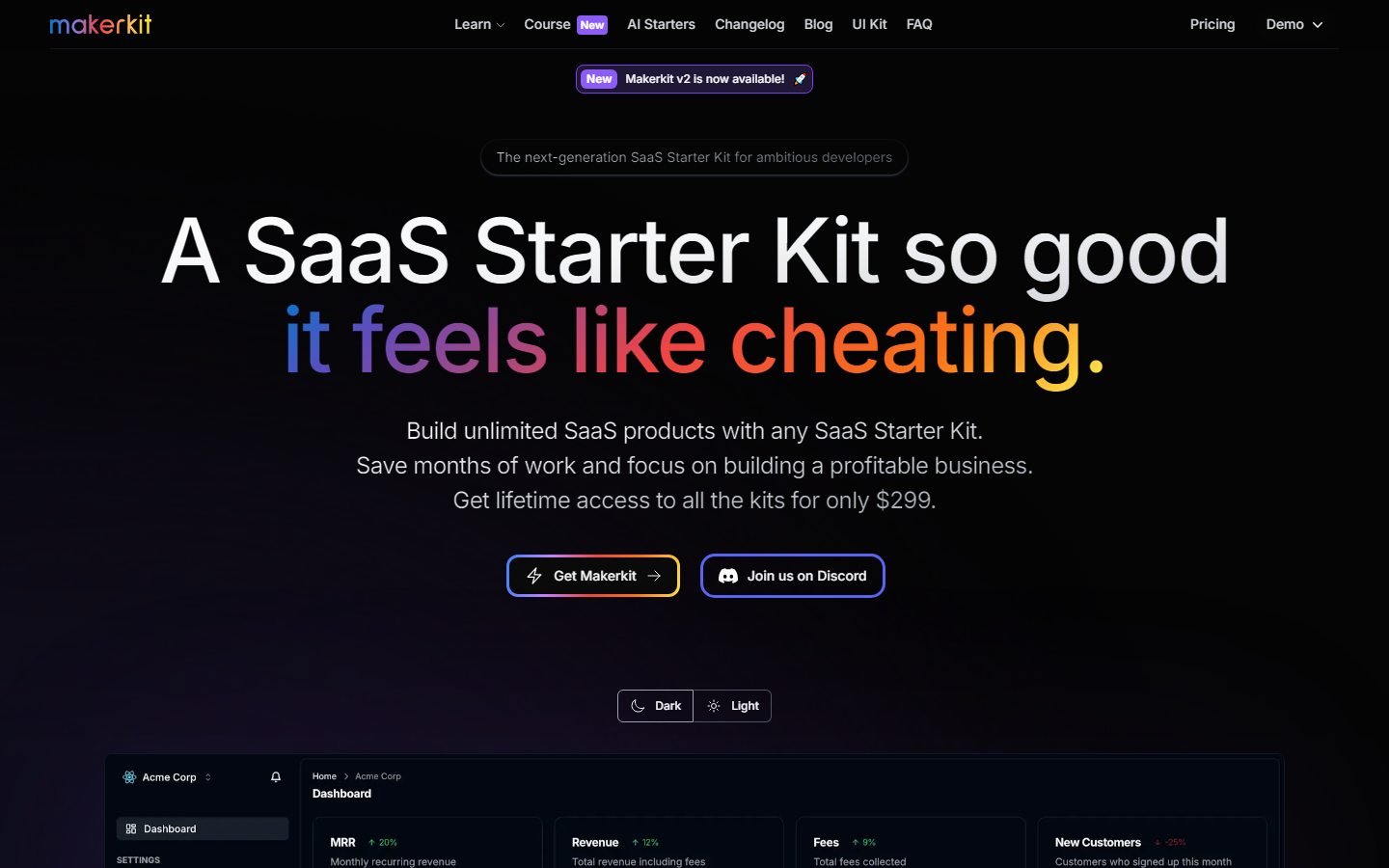
MakerKit
A SaaS Starter Kit so good,it feels like cheating.Save months of work and focus on building a profitable business.
MakerKit Tech Stack
 NextJS Better Auth Supabase Auth Polar
  React
React  Remix
Remix  TypeScript
  Supabase
  Prisma
  Drizzle
  Resend
  Stripe
  Lemon Squeezy
  Paddle
 Native Express Tech Stack
 Expo React Native TypeScript Supabase
  RevenueCat
 | Specification | MakerKit | Native Express |
|---|---|---|
| Starting price | $299 | $179 |
| Price range | $299 - $599 | $179 - $229 |
| Stack | NextJS, Better Auth, Supabase Auth, Polar, React, Remix, TypeScript, Supabase, Prisma, Drizzle, Resend, Stripe, Lemon Squeezy, Paddle | Supabase Auth, Expo, React Native, TypeScript, Supabase, RevenueCat |
| Integrations listed | 7 | 6 |
| Auth | ✓ | ✓ |
| Payments | ✓ | ✓ |
| Database | — | ✓ |
| — | — | |
| AI | — | ✓ |
| Admin Panel | ✓ | — |
| Multi-tenancy | — | — |
| SEO | — | — |
| Blog | ✓ | — |
| Analytics | — | ✓ |
| Agent readiness · checked 2026-08-17 | ||
| AGENTS.md included | ✓ | ? |
| CLAUDE.md included | ✓ | ? |
| Cursor rules included | — | ✓ |
| Ships Claude skills | ✓ | ? |
| Ships subagents | ✓ | ? |
| MCP integrations | ✓ | ? |
| Tests an agent can run | ✓ | ? |
| TypeScript | ✓ | ✓ |
| Agent-readiness score | 90/100 | 18/100 |
| Everything else either kit lists | ||
| Dark Mode | ✓ | — |
| Documentation | ✓ | — |
| Notifications | — | ✓ |
| Plugins | ✓ | — |
A question mark means the vendor's public documentation does not mention that capability. It is not a statement that the boilerplate lacks it. How we score agent readiness
Specifications last updated , from the BoilerplateHub catalog.
Our Verdict
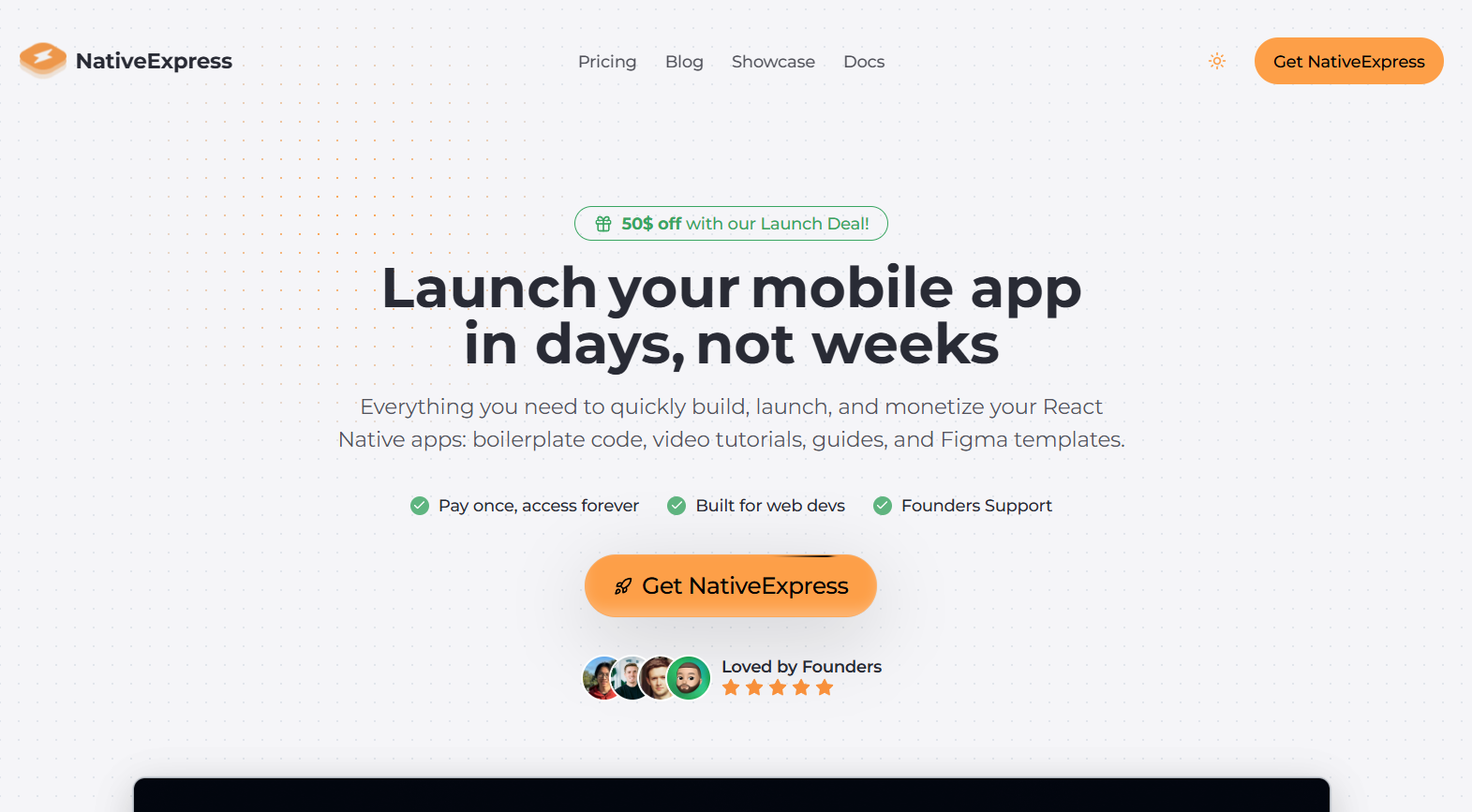
These solve different problems, so pick by platform first. MakerKit ($299-599) is a web SaaS starter for Next.js or Remix with Supabase, multi-tenancy and an admin panel. Native Express ($179-229) is a mobile starter built on Expo and React Native, also on Supabase, with push notifications, in-app payments, video tutorials and Figma templates. If your product lives in the browser, MakerKit. If it lives in the App Store and Play Store, Native Express. Only compare prices if you genuinely could ship either.
The key difference: Web versus mobile: MakerKit ships browser-based SaaS with Next.js or Remix, while Native Express ships iOS and Android apps with Expo and React Native. They are not interchangeable.
Choose MakerKit if...
- ✓ You are building a web SaaS, not a native app
- ✓ You need multi-tenancy, blog and admin panel infrastructure
- ✓ You want a Remix option alongside Next.js
Choose Native Express if...
- ✓ Your product is an iOS and Android app on Expo
- ✓ You need push notifications and mobile in-app payments wired up
- ✓ You learn faster from video tutorials and want Figma templates included
Which Should You Choose?
Choose MakerKit if you prioritize Admin Panel and Auth. Choose Native Express if AI and Analytics are more important to your project.
Frequently Asked Questions
What is the difference between MakerKit and Native Express?
MakerKit costs $299 and includes 7 features. Native Express costs $179 and includes 6 features. MakerKit uniquely offers Admin Panel, Blog, Dark Mode. Native Express uniquely offers AI, Analytics, Database.
Which is cheaper, MakerKit or Native Express?
Native Express is cheaper at $179, which is $120 less than MakerKit ($299).
Do MakerKit and Native Express use the same tech stack?
Yes, both share Supabase Auth, TypeScript, Supabase in common. MakerKit uses NextJS, Better Auth, Polar, React, Remix, Prisma, Drizzle, Resend, Stripe, Lemon Squeezy, Paddle exclusively, while Native Express uses Expo, React Native, RevenueCat exclusively.
Which has more features, MakerKit or Native Express?
MakerKit has more features (7 vs 6). See the feature matrix above for the full breakdown.
Should I choose MakerKit or Native Express?
Choose MakerKit if you need Admin Panel and Auth and prefer its tech stack. Choose Native Express if AI and Analytics are higher priorities. If price is the deciding factor, Native Express is $$120 cheaper.