
ShipThatApp Review (2026)
We keep structured data on 66 starter kits. Below is how ShipThatApp measures up on features, pricing, and stack, including the cases where a different kit would serve you better.
Verdict
On raw coverage ShipThatApp does well: 9 integrations against a catalog average of 8, putting it among the top 2 kits for SwiftUI by that measure. At $126 the decision comes down to whether the included Analytics, Auth and Checkout map onto what your project actually needs. If they do, the price is a rounding error against the build time. If they don't, no boilerplate is a good deal. The main caveat remains the missing Email.
What Is ShipThatApp?
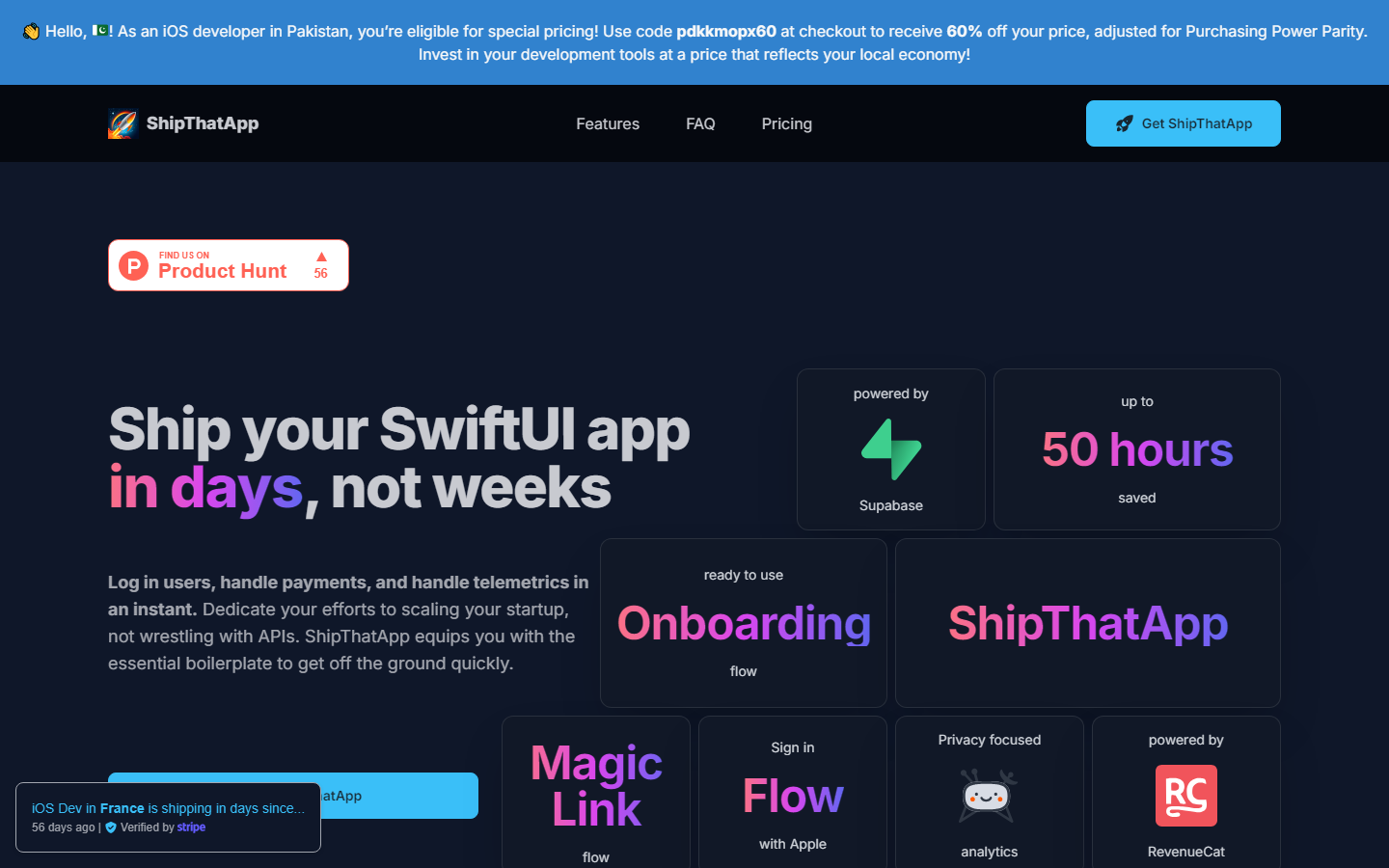
Swiftly build SwiftUI apps with integrated AI and secure backend. Pre-built authentication, payment processing, and AI features save 50+ hours of development, letting you launch your MVP faster and focus on unique features.
ShipThatApp Tech Stack
ShipThatApp uses SwiftUI, Supabase and RevenueCat. Only 3 kits in our catalog use SwiftUI, so your options in this stack are comparatively limited.
What's Included in ShipThatApp
ShipThatApp lists 9 integrations: Analytics, Auth, Checkout, Community and Components and 4 more. That is above the catalog average of 8 integrations per kit. Worth knowing before you buy: Email is commonly included in comparable kits but not listed for ShipThatApp. If you need it, budget the integration time yourself or look at the alternatives page.
ShipThatApp Pricing
ShipThatApp starts at $126 and goes up to $215. That sits below the catalog median of $149. One-time pricing for a codebase is hard to evaluate in the abstract; the relevant comparison is your own hourly cost for the setup work it replaces.
Who Should Use ShipThatApp
The honest answer depends on what you are building. ShipThatApp makes sense if you are starting a new project on SwiftUI and the included integrations match your requirements list. Since authentication and payments are both wired up, ShipThatApp covers the two integrations that consume the most setup time in a typical SaaS build. Skip it if Email is hard requirements for you; comparable kits include it already.
How ShipThatApp Compares
Pros
- ✓ 9 integrations, above the catalog average of 8
- ✓ Auth and payments both wired up, the two slowest pieces to build from scratch
- ✓ Priced below the catalog median of $149
Cons
- ✗ No Email, which comparable kits typically include
- ✗ No free tier, so the code cannot be inspected before purchase
- ✗ Few comparable SwiftUI kits exist if you outgrow it
- ✗ Locked into the stack and architecture decisions the maker chose
Ready to try ShipThatApp?
$126 – $215
Frequently Asked Questions
Is ShipThatApp worth the price?
That depends on your hourly rate. ShipThatApp costs $126; building Analytics, Auth and Checkout yourself typically takes days, not hours. If the included integrations match your requirements, the maths works out quickly. If they don't, the price is irrelevant because you would be buying the wrong kit.
What tech stack does ShipThatApp use?
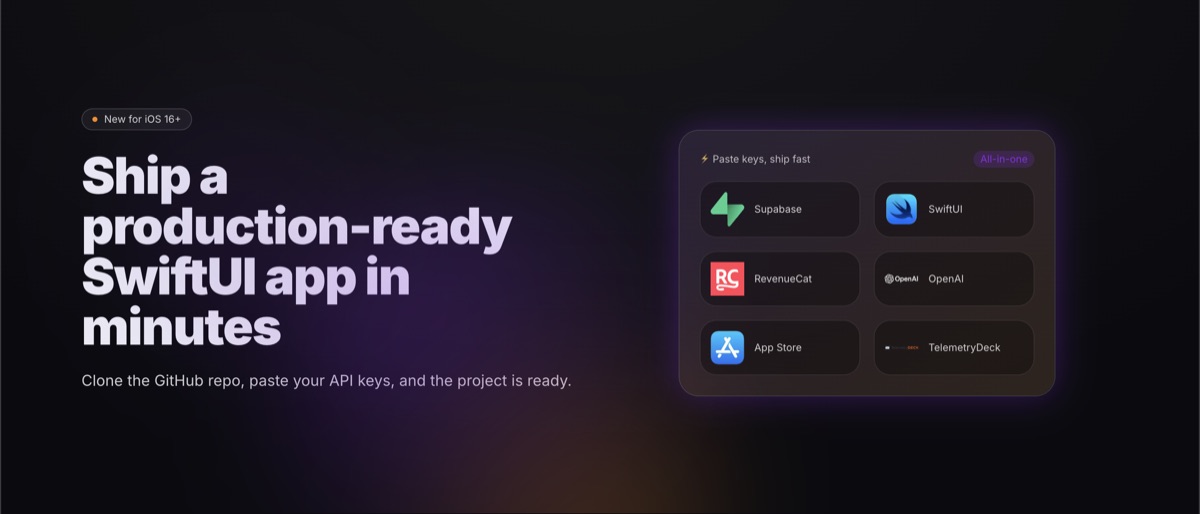
SwiftUI, Supabase, RevenueCat. 3 kits in our catalog use SwiftUI, so if the rest of this kit doesn't fit, the stack itself won't limit your alternatives.
What's included in ShipThatApp?
9 listed integrations: Analytics, Auth, Checkout, Community, Components, Database, Payments, Support, Updates. The catalog average is 8 per kit. Not included: Email, which you would otherwise find in many comparable kits.
Who is ShipThatApp best suited for?
Developers who would rather inherit working integrations like Analytics, Auth and Checkout than configure them. If you enjoy picking every dependency yourself, you are not the audience, and that is fine.
Are there good alternatives to ShipThatApp?
Yes. We maintain a ranked list of ShipThatApp alternatives based on shared stack and feature overlap. 2 other kits in the catalog use SwiftUI. See the alternatives page linked below.