
Saas UI Review (2026)
We keep structured data on 66 starter kits. Below is how Saas UI measures up on features, pricing, and stack, including the cases where a different kit would serve you better.
Verdict
At 3 integrations against a catalog average of 8, Saas UI competes on focus rather than breadth. At $49 the decision comes down to whether the included Components, Onboarding and Themes map onto what your project actually needs. If they do, the price is a rounding error against the build time. If they don't, no boilerplate is a good deal. The main caveat remains the missing Auth and Payments.
What Is Saas UI?
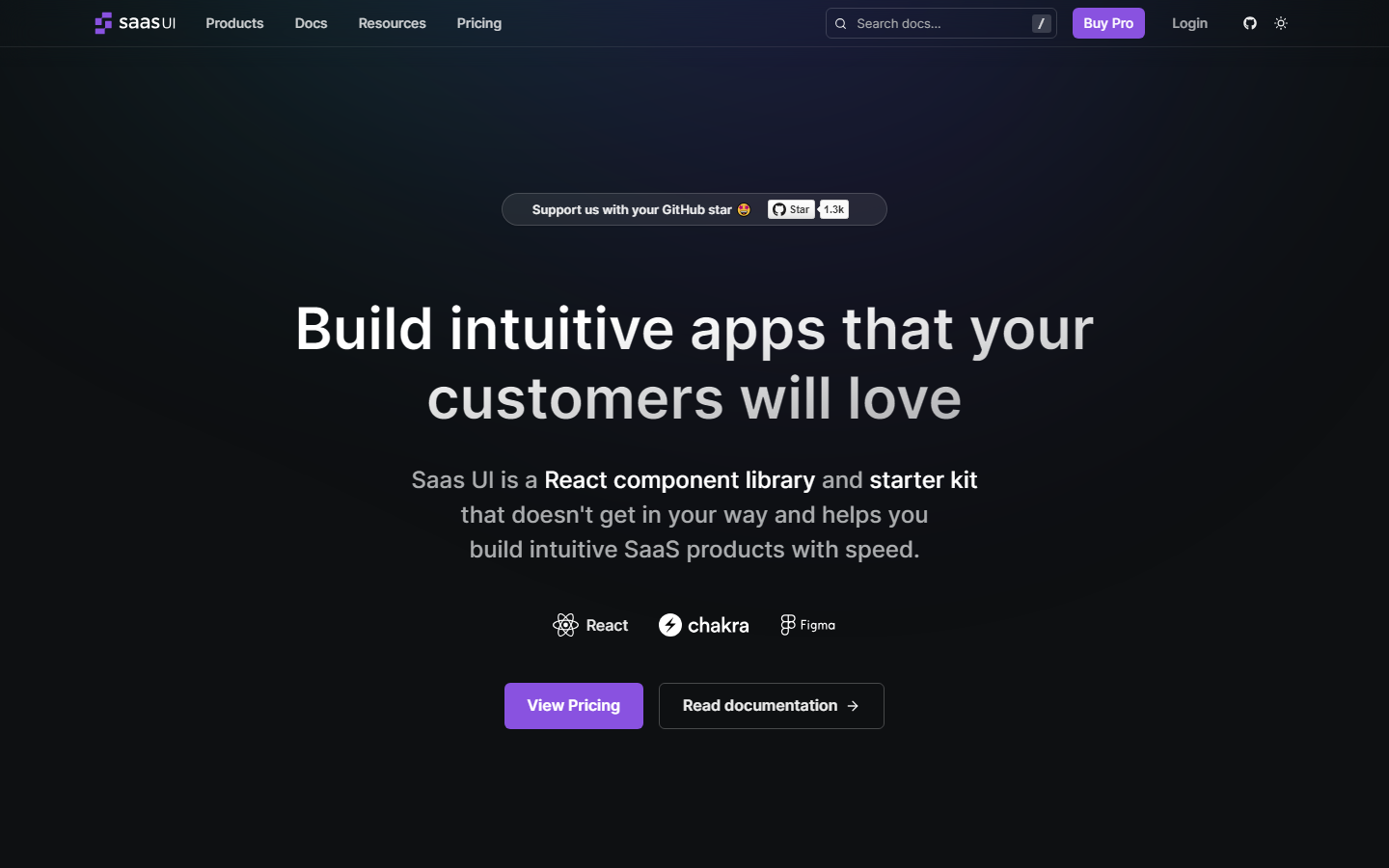
Accelerate SaaS development with a comprehensive React toolkit. This boilerplate offers 40+ open-source components, production-ready templates, and a Figma design system, saving you hundreds of hours building essential functionality. Start building unique features faster, leveraging industry-leading libraries like Chakra UI and React Hook Form.
Saas UI Tech Stack
Saas UI uses React, Chakra and Figma. React is one of the most common foundations in our catalog (19 kits use it), which means plenty of alternatives exist if Saas UI doesn't fit, but also that the ecosystem around this stack is well documented.
What's Included in Saas UI
Saas UI lists 3 integrations: Components, Onboarding and Themes. For context, the catalog average is 8 integrations per kit, so Saas UI is on the leaner side. Leaner is not automatically worse; fewer integrations also means fewer dependencies to maintain or rip out. Worth knowing before you buy: Auth and Payments are commonly included in comparable kits but not listed for Saas UI. If you need them, budget the integration time yourself or look at the alternatives page.
Saas UI Pricing
Saas UI starts at $49 and goes up to $799. That sits below the catalog median of $147. One-time pricing for a codebase is hard to evaluate in the abstract; the relevant comparison is your own hourly cost for the setup work it replaces.
Who Should Use Saas UI
The honest answer depends on what you are building. Saas UI makes sense if you are starting a new project on React and the included integrations match your requirements list. Skip it if Auth and Payments are hard requirements for you; comparable kits include them already.
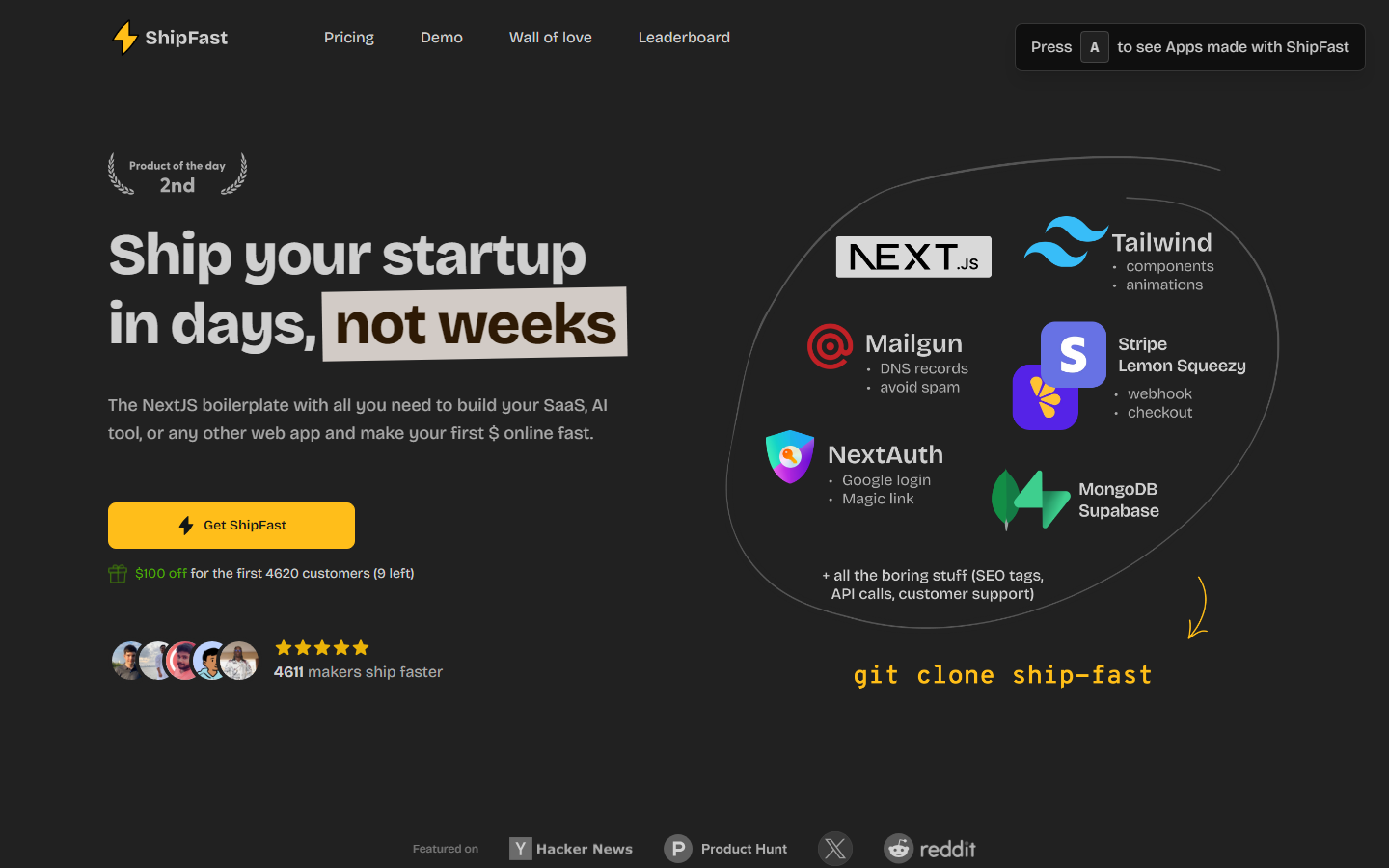
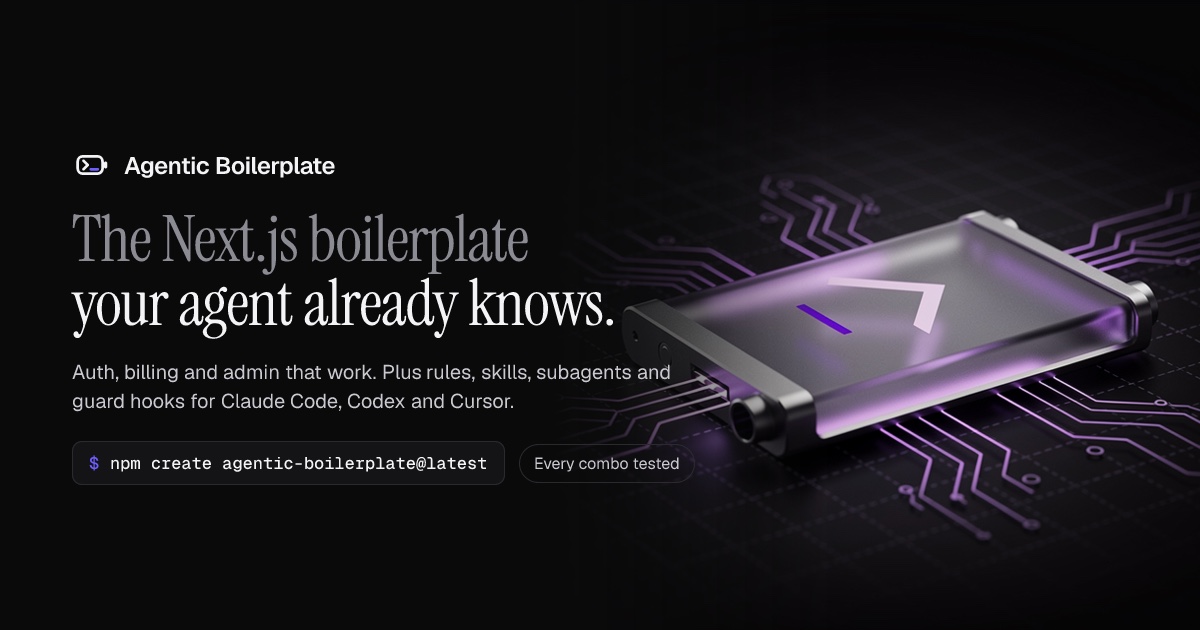
How Saas UI Compares
Pros
- ✓ 3 pre-built integrations including Components and Onboarding
- ✓ Priced below the catalog median of $147
- ✓ React stack with a large ecosystem of comparable kits and documentation
Cons
- ✗ No Auth and Payments, which comparable kits typically include
- ✗ No free tier, so the code cannot be inspected before purchase
- ✗ Locked into the stack and architecture decisions the maker chose
Ready to try Saas UI?
$49 – $799
Frequently Asked Questions
Is Saas UI worth the price?
That depends on your hourly rate. Saas UI costs $49; building Components, Onboarding and Themes yourself typically takes days, not hours. If the included integrations match your requirements, the maths works out quickly. If they don't, the price is irrelevant because you would be buying the wrong kit.
What tech stack does Saas UI use?
React, Chakra, Figma. 19 kits in our catalog use React, so if the rest of this kit doesn't fit, the stack itself won't limit your alternatives.
What's included in Saas UI?
3 listed integrations: Components, Onboarding, Themes. The catalog average is 8 per kit. Not included: Auth and Payments, which you would otherwise find in many comparable kits.
Who is Saas UI best suited for?
Developers who would rather inherit working integrations like Components, Onboarding and Themes than configure them. If you enjoy picking every dependency yourself, you are not the audience, and that is fine.
Are there good alternatives to Saas UI?
Yes. We maintain a ranked list of Saas UI alternatives based on shared stack and feature overlap. 18 other kits in the catalog use React. See the alternatives page linked below.